

O&O AppBuster: Everyone knows that Windows 10 comes “pre‑installed” with additional applications from Microsoft. Some of them are useful, others less so, and others simply exist in your operating system.
The AppBuster application from O&O (O&O AppBuster) allows you to easily and quickly remove unwanted applications.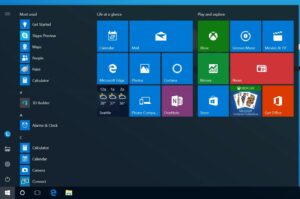
Alternatively, if you accidentally uninstalled any of them, or need it later, you can easily restore it with a click.
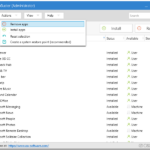
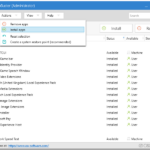
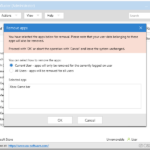
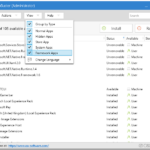
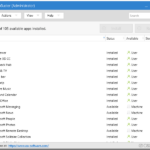
As you will see in the images below, the O&O AppBuster application shows you in detail all the apps that Microsoft has added to Windows 10. You will also notice hidden apps.
Watch the video posted by the company:
Download the app
[su_button url=”https://dl5.oo-software.com/files/ooappbuster/OOAPB.exe” target=”blank” style=”flat” background=”#2cd400″ color=”#ffffff8″ wide=”yes” center=”yes” radius=”5″ icon=”icon: chain” icon_color=”#000000″]O&O AppBuster[/su_button]
_________________
- ImageMagick image editing on all platforms
- Check your folders for malware with Windows Defender!
- Wireshark 3.0.5: network protocol analyzer
- OnionFruit Connect connects to TOR with any browser
