

You can easily, quickly, and for free make a GIF video with excerpts from a YouTube video. Here's how.
GIF videos are some of the most entertaining short films that usually contain a particularly humorous message within 3-5 seconds. If you want to create a GIF video yourself inspired by a YouTube video you watched, there is a very easy way to do it. Read this article to see how.
Make a GIF from YouTube.
1. Go to YouTube from your browser and navigate to the video you want to make a GIF from.
2. In the address bar, type “gif” before the word youtube and press enter. For example, if the URL is “www.youtube.com/iguruvideo,” type “www.gifyoutube.com/iguruvideo.”
You will be taken to gifs.com where you can select the start time, end time, and duration of the GIF, as shown in the screenshot below.
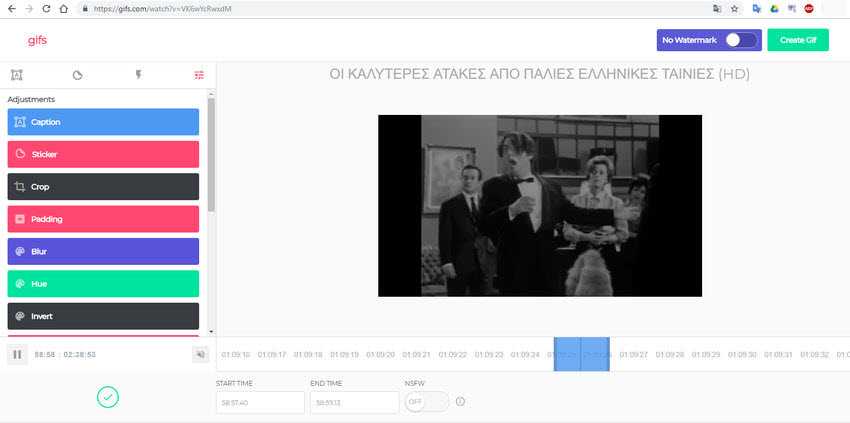
3. Once you have set all the parameters, you can click the “Greate GIF” button.
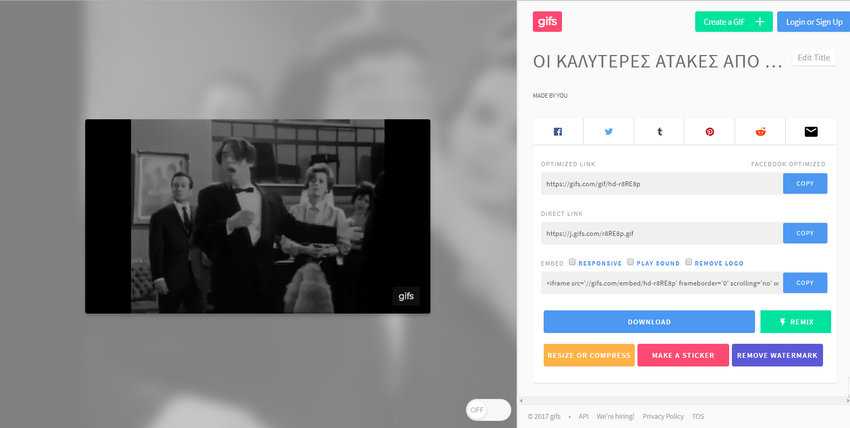
4. On the next screen, you can name the GIF, attach tags. Click “Next” to see your GIF.
5. Now, to download the GIF, you will need to register. Once you do, you can log in and download the GIF in its original or reduced size.
2nd Alternative Method
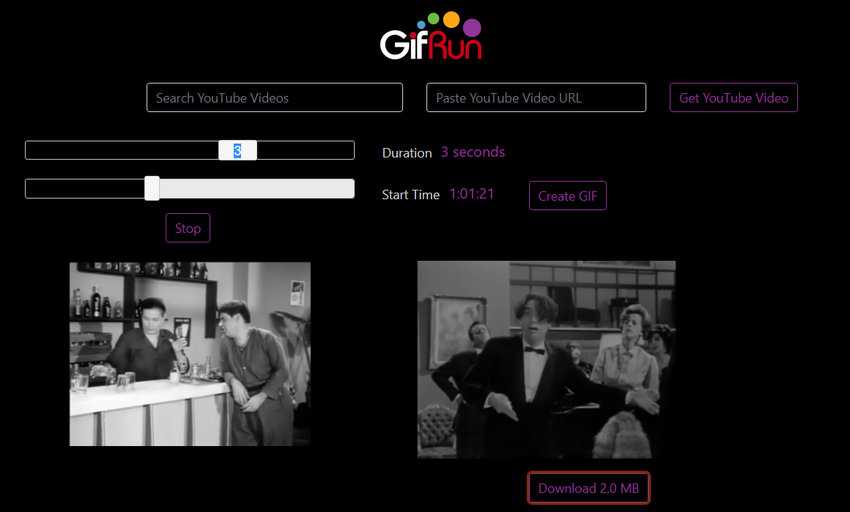
Alternatively, you can use GIF Run , which allows you to search for YouTube videos directly from the site. You can also paste the URL of a video to create a GIF.
1. After selecting the video, select the starting point, duration and click “Create GIF”.
The website also shows you a preview of the GIF and a button to download it. It does not require any registration.
Have fun creating.
