

Yesterday we announced the official release of the Fedora 29 distribution. I had been waiting for it for quite some time, and more specifically, since the modularity feature was announced, as well as automatic updates with the addition of Flatpak.
So, I transferred the ISO to a USB, and installed the new operating system. I performed a clean install, formatting the Fedora 28 partition, because I wanted to see how the installer behaved.
Tip: To upgrade from Fedora 28, you should wait for the system to notify you that an upgrade is available. 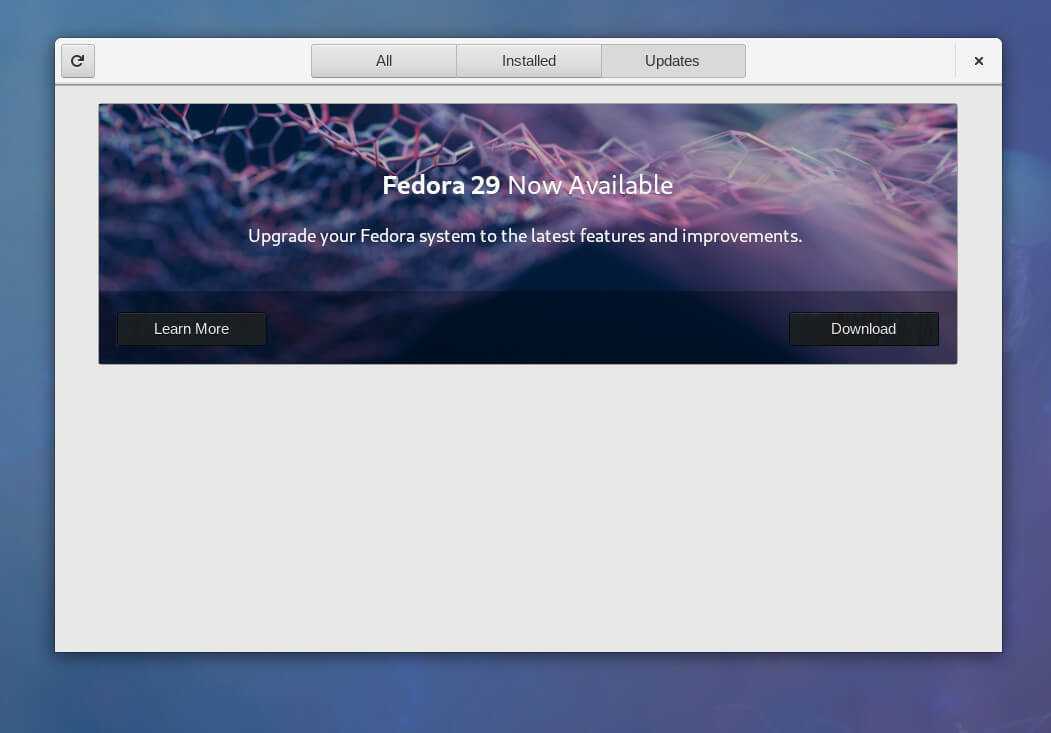
If it does not appear, open the Software (Gnome) application and let the system update its packages. At the end, it will normally show you the upgrade. Click Install to start the transformation to Fedora 29. When the download is finished you will see a Restart & Install. Restart your system and wait for the installation to finish.
If you want to upgrade using terminal commands, type one of the following commands:
sudo dnf upgrade --refresh
sudo dnf install dnf-plugin-system-upgrade
sudo dnf system-upgrade download --releasever=29
With Fresh Install, however, the process was much more pleasant and quite short. Installing the software contained in the Live DVD took no more than 5 minutes, while installing the bootloader took another 5. Installing the bootloader on the computer I use is a problem and usually takes incredibly long, as the disc contains 6 different distributions and a Windows 10 installation (don't call me biased).
After the first surprise, we immediately moved on to the second, as the installer did not provide any option for adding another user.
After the reboot, a Gnome window appeared that allowed me to log in as root or create a new user.
But the surprises did not stop coming. This version is the first to feature Fedora's Modularity feature. Modularity allows us to port different versions of packages to the Fedora we have installed.
This means we no longer have to think about upgrading the OS just to be able to upgrade certain packages. For example, you can choose Node.js version 8 or 10, whether you are on Fedora 28 or Fedora 29. Or you can choose between a version of Kubernetes that matches OpenShift Origin.
Fedora 29 comes with GNOME Shell 3.30.1 on Wayland, Linux 4.18 kernel, GCC 8.2.1 compiler, and X.Org Server version 1.20.1. After installation, I updated the system and switched to KDE Plasma as the desktop environment.
The details are in the image below:
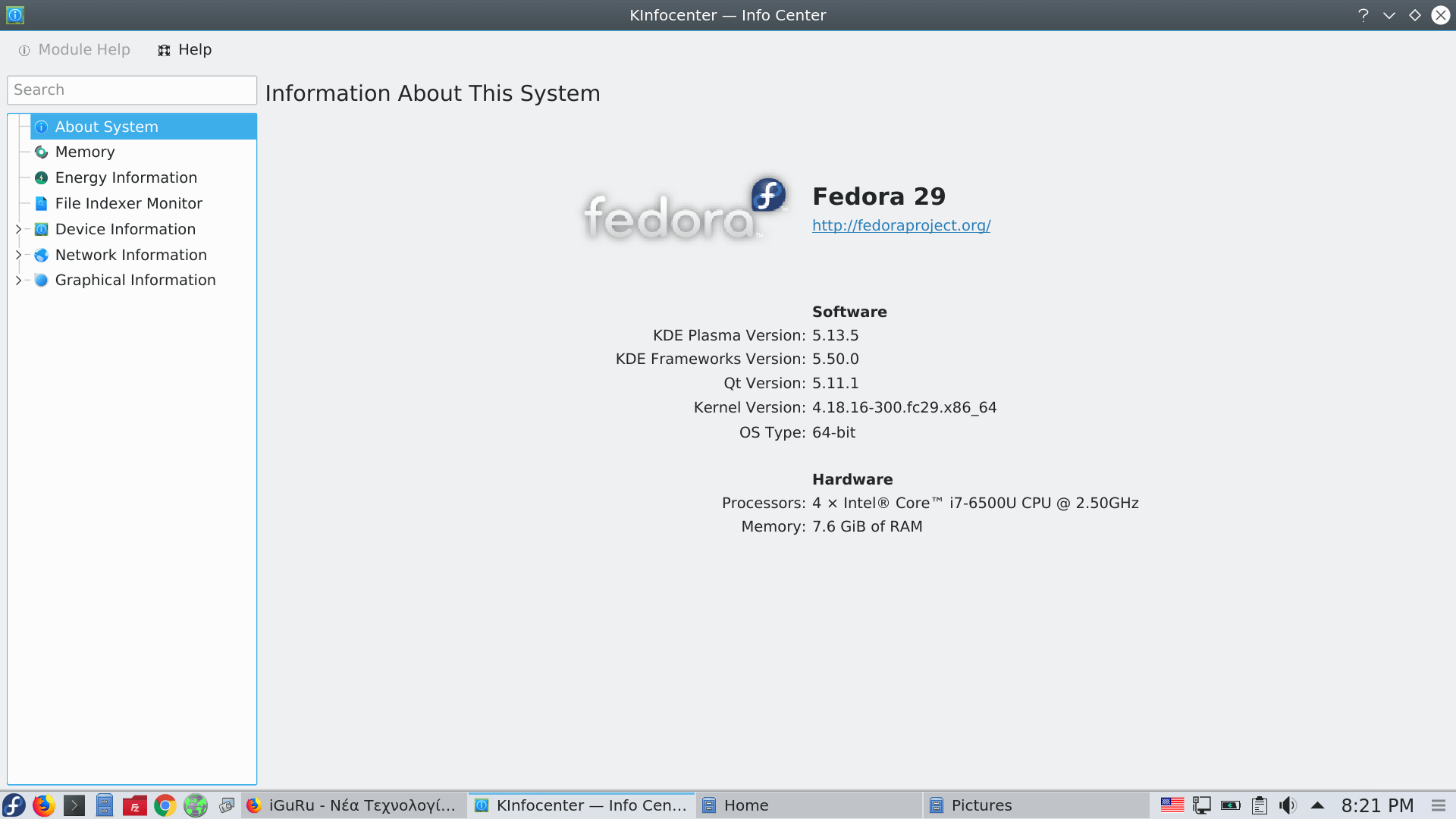
I should mention that the system is behaving perfectly so far, but I would like to see it for at least a week before expressing an opinion. The distribution in this version, although intended more for developers, can be used without problems by novice users.
Download Fedora 29 Workstation
____________________
- New MX Linux 17.1 x64 Custom ISO from iGuRu.gr
- Kodachi Linux 5 anti forensic anonymous operating system
- Q4OS 2.5 Scorpion for Windows users who want a change
