

Microsoft has released a new theme for Windows 10 users, and since Halloween is just around the corner, this time the focus is exclusively on pumpkins.
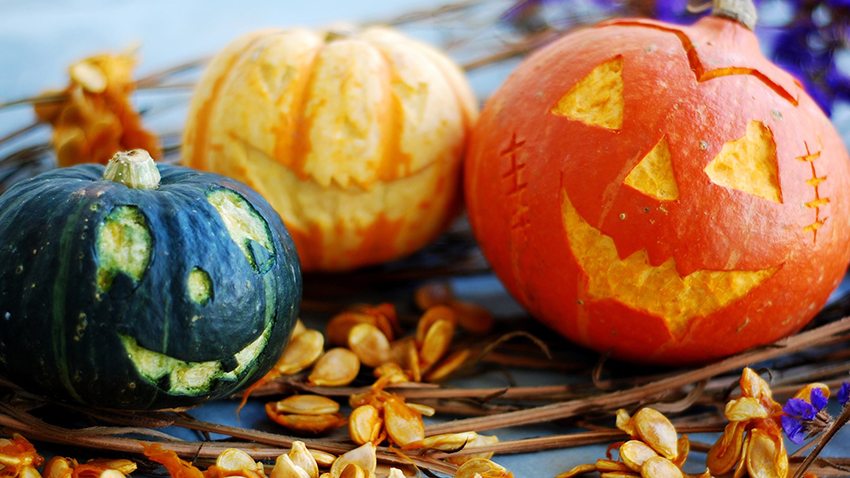
The “Pumpkin Season” theme for Windows 10 comes with a collection of 13 different wallpapers, which users of Microsoft’s latest operating system can install on their devices for free.
However, it's worth noting that this theme requires Windows 10 to be updated to the "Fall Creators" version or later, so you must have a supported version of Windows 10 to install it.
How to install the theme
Microsoft has published the theme in the Microsoft Store to make the whole process easier.
What you need to do is click on the Install button in the Microsoft Store to download the theme and wait for the process to complete. Once the theme is already on your system, follow the next path to activate it:
Settings > Personalization > Themes
It would be a good idea to save your existing theme before creating a new one, as it could come in handy in case you want to revert to your previous desktop in the future.
Once the theme is activated on your system, you can simply select wallpapers by right-clicking on the desktop and clicking the “Next Desktop” option.
Before Windows 10, Microsoft offered these kinds of themes directly on its website, but now that the Microsoft Store is the one-stop destination for everything, the theme is available there. More such themes are likely to make their appearance as we approach the holiday season.
