

Below we will see why Linux can stand out by simply allowing every parameterization in the system. We will use the lolcat package to transform the commands displayed on the terminal screen into a rainbow. Yes, the commands will be displayed in rainbow colors, in slow motion.
Interested? Let's see how it works: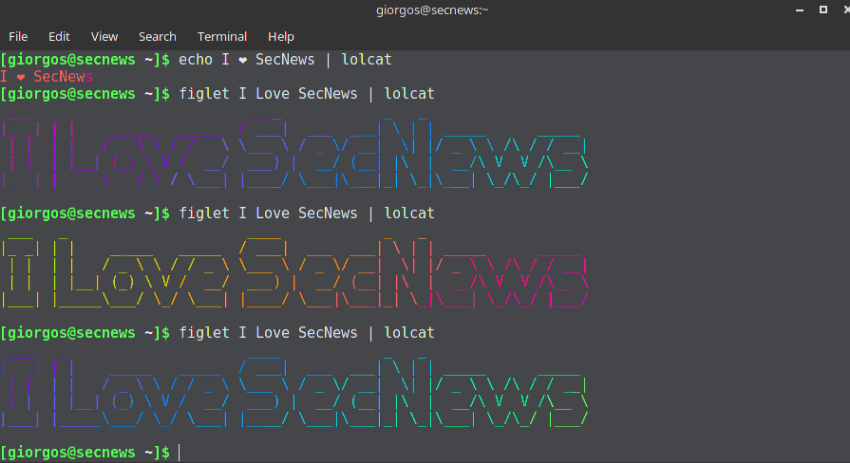
As mentioned above, we will use the LOLcat application. The cat commands come with enhanced color and rainbow-like colors.
The LOLcat application is available on almost all modern Linux distributions by default in their repositories. Alternatively, you can install the latest version of LOLcat from the git repository.
To run Lolcat you will need the latest version of RUBY. Below are the commands to install it on your distribution:
(Proceed as follows if the application is not already in your distribution's repositories)
apt-get install ruby [for systems with APT] yum install ruby [for systems with Yum] dnf install ruby [for systems with DNF]
When you install ruby, confirm the version:

2. Then download and install the latest version of lolcat from the git repository with the following commands:
wget https://github.com/busyloop/lolcat/archive/master.zip unzip master.zip cd lolcat-master/bin gem install lolcat
Check the version again
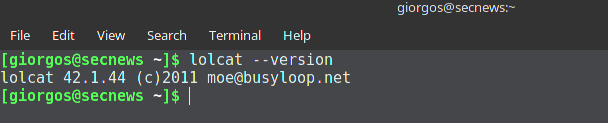
Let's run LOLcat. The basic syntax for running LOLcat is:
LOLcat [options] [files]
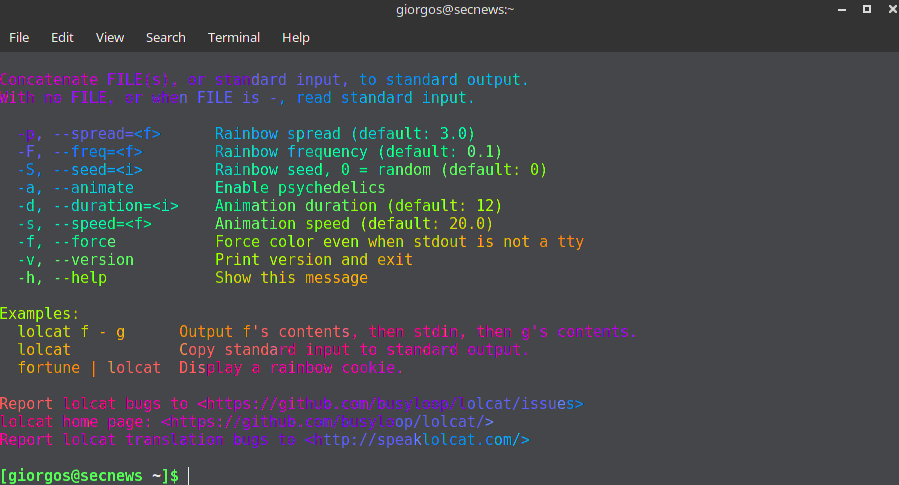
The application comes with many options that control its behavior. Below are some of the most important commands:
-a passes each line through an animation.
-d specifies the duration (number of steps before the next line appears) of the animation, the default is 12.
-s specifies the speed (frame rate - number of steps per second) of the animation, the default is 20.
-f enables coloring
You can find more options here.
But let's see the result:
Let's try the help command:
lolcat -h
Impressive?
Let's run the commands:
echo I ❤ SecNews | lolcat figlet I Love SecNews | lolcat
Note that the ❤ character is a unicode character and to install figlet run the following command with yum, dnf or apt:
apt-get figlet yum install figlet dnf install figlet
