

Below we will see together some of the commands used by the terminal, a basic Linux tool. Although many people think that the console is only for advanced users, with the following lists you don't need to be advanced. Let's not forget that even advanced people started somewhere..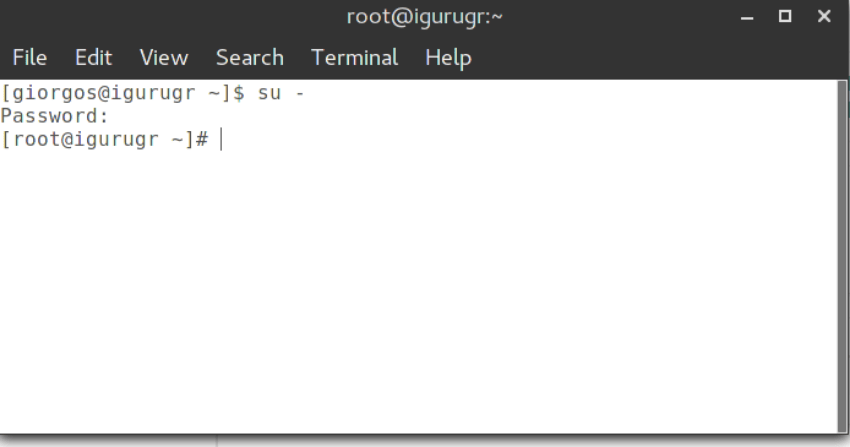
The distributions we will be working with are: Arch Linux, Debian, Fedora openSUSE, and Ubuntu. Open a terminal and go to
Package manager
Zypper can be used either by writing the full command or by abbreviation. For example, the zypper is the same as the zypper in and the zypper update is the same as the zypper up:
| Ubuntu/Debian command | openSUSE command |
| apt-get update | zypper refresh |
| apt-get -u upgrade | zypper update |
| apt-get -u dist-upgrade | zypper dist-upgrade |
| apt-get install clementine | zypper install clementine |
| apt-get remove clementine | zypper remove clementine |
| apt-cache search clementine | zypper search clementine |
| apt-cache showpkg clementine | zypper info clementine |
| dpkg -l | rpm -qa |
| dpkg -L | rpm -ql |
| dpkg -s | rpm -qi |
| dpkg -S | rpm -qf |
| adding apt repository in /etc/apt/sources.list | zypper addrepo repository name |
| apt-get moo | zypper moo |
| apt-file search | zypper se |
| apt-get autoremove | zypper rm --clean-deps package (cleans only the dependencies of a specified package) |
| apt-get clean | zypper clean |
| apt-get source package | zypper source-install package (also installs dependencies) |
| (using chroot) | zypper --root location – works in a different root |
| cat /var/log/dpkg.log | cat /var/log/zypp/history |
| apt package locks | zypper addlock/listlocks/removelock |
| Installing recommended packages | zypper install-new-recommends |
Fedora
The Fedora distribution is very close to the openSUSE distribution. Both use RPM files and in both one can use the yum command if one wants, but if you want to be fast you should try zypper! Both distributions use systemd.
Package manager
Although yum can be used in both, the main differences between the two package managers are as follows:
Fedora commands that start with yum in the latest versions of Fedora (Korora) may or may not work. So if you get the following message in the terminal instead of yum use dnf.
Yum command has been deprecated, use dnf instead.
See 'man dnf' and 'man yum2dnf' for more information.
To transfer transaction metadata from yum to DNF, run 'dnf migrate'
| Fedora | openSUSE |
| yum makecache | zypper refresh |
| yum update | zypper update |
| yum install clementine | zypper install clementine |
| yum remove clementine | zypper remove clementine |
| yum search clementine | zypper search clementine |
| yum clean all | zypper clean |
Arch Linux
The Arch Linux distribution is known for its simplicity and rolling updates. The distribution has adopted systemd, so the commands are the same.
Package manager
Although yum can be used in both, the main differences between the two package managers are as follows:
| Arch command | openSUSE command |
| pacman -Syy | zypper refresh |
| pacman-Syu | zypper dist-upgrade |
| pacman -S clementine | zypper install clementine |
| pacman -R clementine | zypper remove clementine |
| pacman -Rsnc clementine | zypper remove –clean-deps clementine |
| pacman -S clementine (force reinstall) | zypper install –force clementine |
| Pacman -Ss Clementine | zypper search clementine |
| pacman -Sw | zypper source-install (install source file with its dependencies) |
| layman -a repository | zypper ar repository name |
| Installing recommended packages | zypper install-new-recommends |
From the article by Eustathios Iosifidis.
