

The AdBlock and Adblock Plus browser extensions just made their debut in Microsoft Edge on Windows 10.
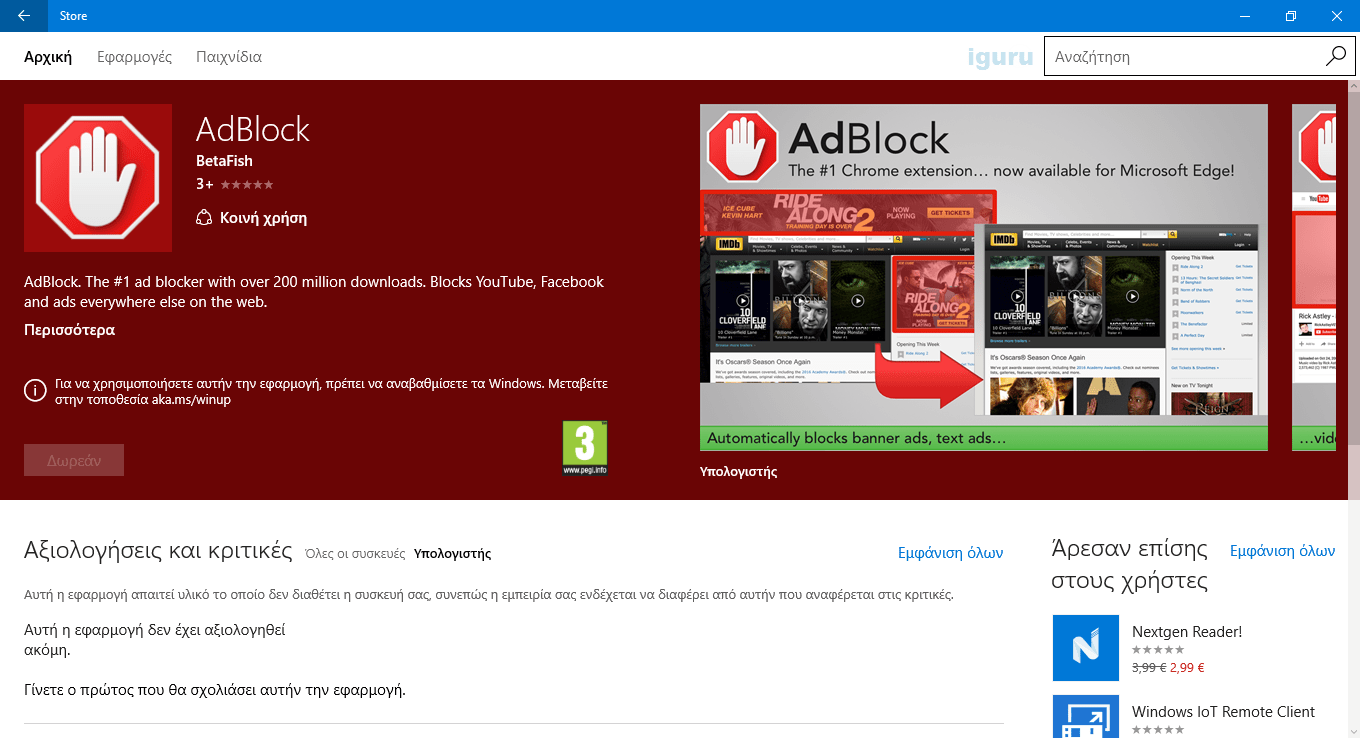
However, Microsoft Edge currently does not support extensions in its stable versions, so only Windows Insider users can install the ad blocking extension. Microsoft is currently testing the feature and plans to release it in an upcoming update coming this summer.
To install one of these new extensions, all you need to do is open the store links for AdBlock and AdBlock Plus and click the install button. If you're running the latest version of Windows 10 in the Windows Insider program, the installation should complete successfully. Then, simply head over to the extensions menu in Edge, and you'll be prompted to add the ad blockers.
It goes without saying that this move will enhance the appeal of the Edge browser, since the application launched in July 2015 with only a basic feature set, when all other browsers do almost everything.
To regain lost ground, Microsoft plans to make Chrome extensions work in Edge, with very minor changes to the original code of each extension, so given the fact that the extension feature for regular users will start in July, the company hopes that the majority of developers will begin to adapt their extensions for the Windows browser in the remaining months.
The Edge browser is exclusive to Windows 10 users, and that's certainly another reason it may not have a large market share yet, but Microsoft expects the app to become more popular as adoption of the new operating system continues to gain ground.
