

Would you like your Ubuntu desktop to look different? With Numix, we break the mold and get away from the ordinary! Below we will see another way to change our Desktop and really feel like we have a new computer!
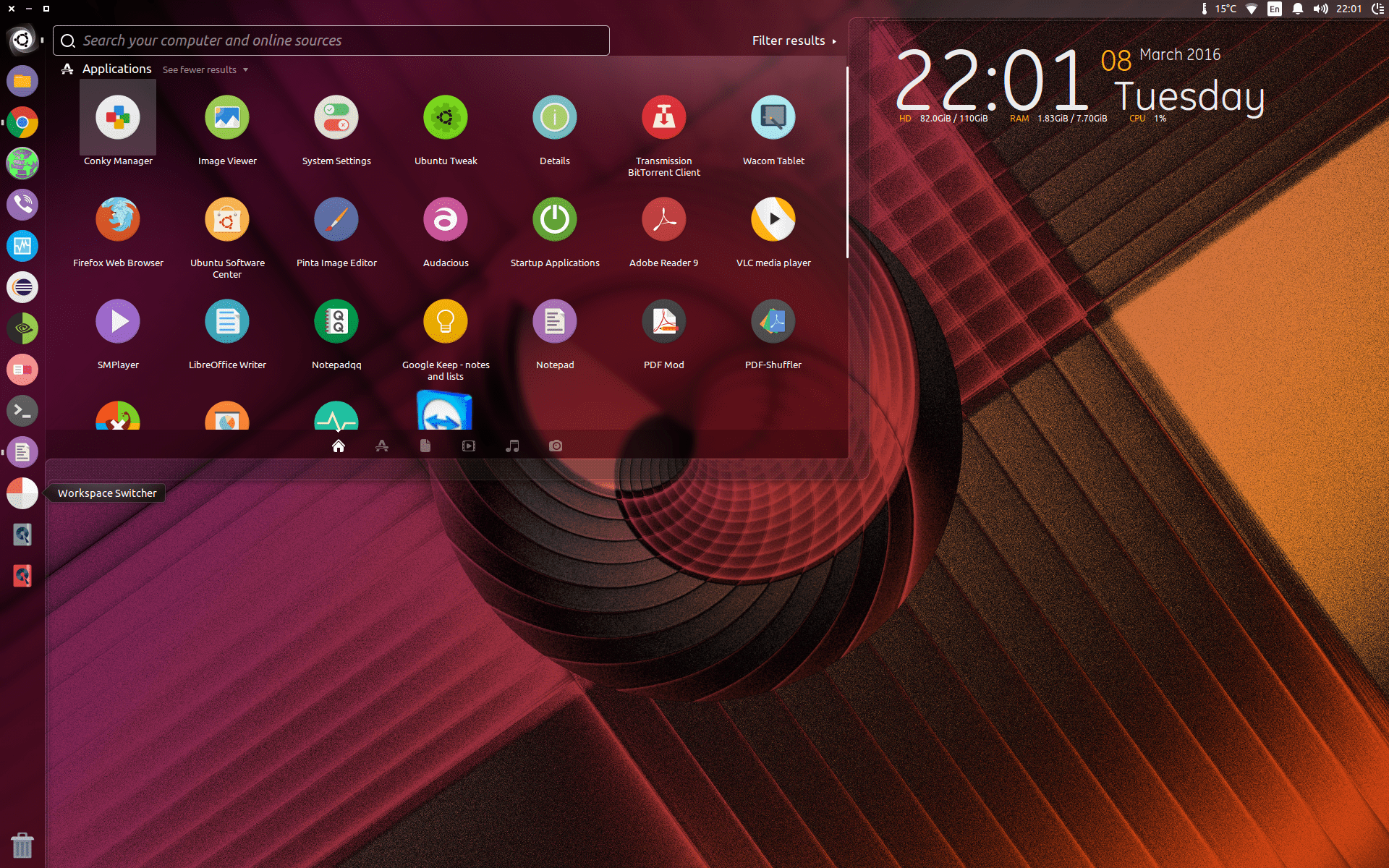
First of all, in order to be able to manage any configuration package, we must install the Unity Tweak Tool with the following command in the terminal.
sudo apt-get install unity-tweak-tool
For some of you it may give an error message when you try to run it, you just have to see which package it tells you is missing and install it.
For example, if the error message tells you that the unity.webapps.com package is missing, searching on Google will show you how to install it with the following command:
sudo apt-get install unity-webapps-common
After we are finished with the Unity Tweak Tool, we install our package, always starting from the repository.
sudo add-apt-repository ppa:numix/ppa
Then
sudo apt-get update
And finally the package.
sudo apt-get install numix-gtk-theme numix-icon-theme-circle
sudo apt-get install numix-wallpaper-notd
Running the Unity Tweak Tool we will have the following result.
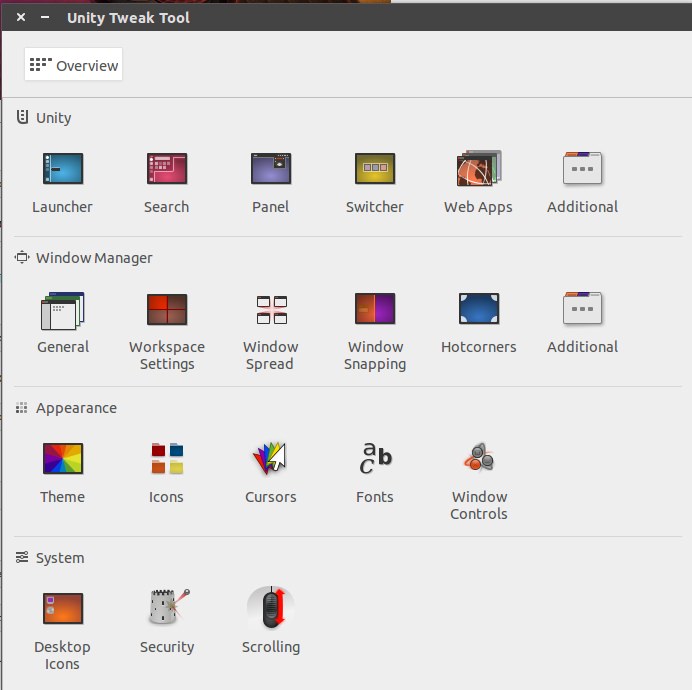
Then we go to “Theme” and select “Numix”.
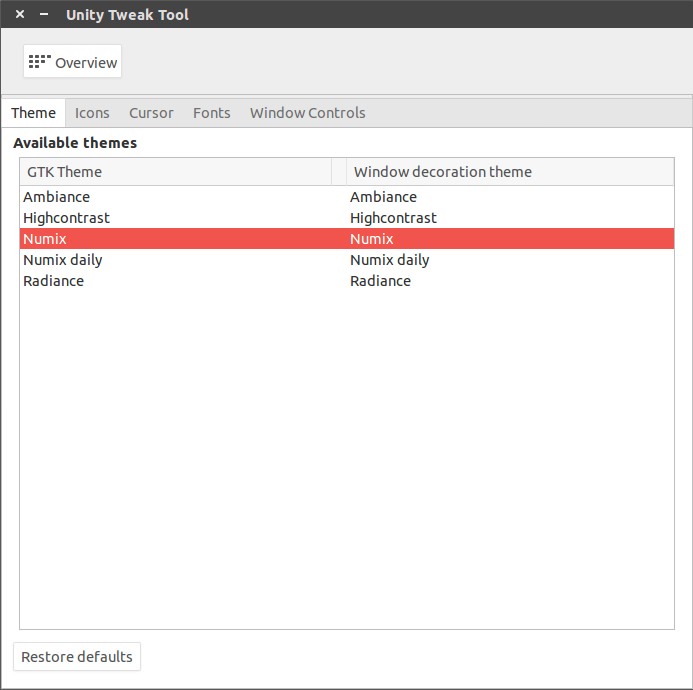
And our topic is ready!
