

Weiyun: How would you like to have 1TB in the cloud? If you don't care where the cloud is (it hosts your data in China), you can get your own TB by following the instructions below.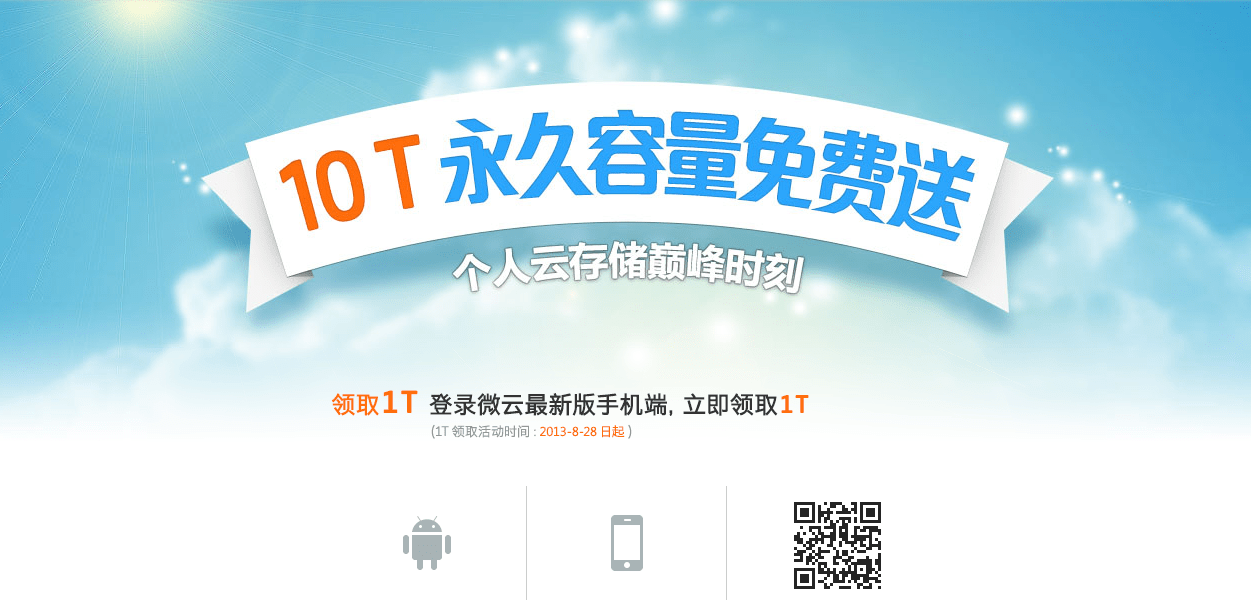
The online storage provider is the Chinese company Weiyun.
Note: We're not implying anything. However, there are valid reasons why someone might not want to host their data in a country, such as if the connection is slow (APNIC is known for its slow connections outside of China), if they don't speak the language and can't read the terms of service or follow the instructions, or they may not trust the government of that country.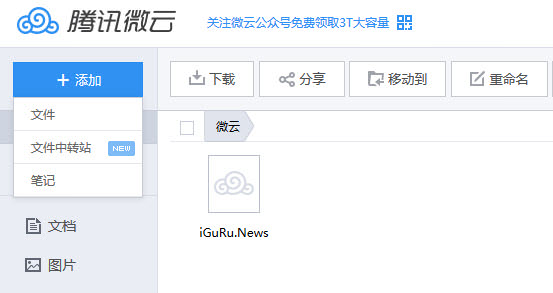
To obtain the 1TB from Weiyun you must follow the steps below, as the sign-up is a bit complicated. It's not only the language but also the process itself.
The first thing you need to do is register for a QQ account. The good news is that the registration page is in English, so you don't have any problem filling in all the required information.
Warning: The connection to the registration page is not secure.
The page asks for your email, a password, your location, date of birth, a nickname and your gender. Afterwards you will have to wait for the first activation e-mail.
Once you have successfully passed the stage and activated your account, you will be asked to download the QQ application. As soon as you proceed with the process and the download starts, you will receive the second email welcoming you to Weiyun.
This way you will be able to log in to Weiyun without even installing the QQ chat application.
If you can't find the link, click here, and on the page that will open (it's in Chinese) you can log in with your email and password.
That was it, if you can't make sense of the Chinese, use a translator until you get familiar with the environment,
