Microsoft 's free application , Image Composite Editor 2 or ICE 2, a project of Microsoft Research, allows you to create panoramic images by stitching together multiple photos of the same scene.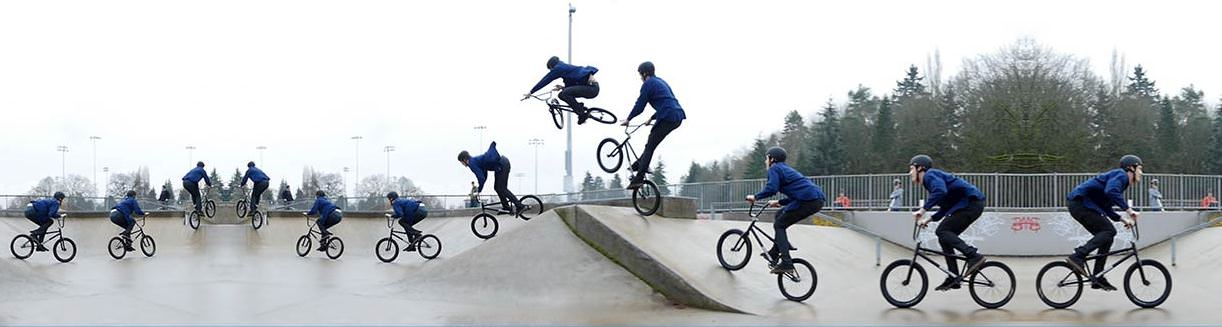
The operation of the application is very easy, performing the basic steps automatically and the results will amaze you.
Seven years since the first release of Image Composite Editor 1, today the new version is released. The program is available for Windows 32-bit or 64-bit.
The main purpose of the application remained the same: Combining photos from a single camera position into a single image that merges the original images seamlessly for creating panoramas.
Image Composite Editor 2 comes with many new features that further improve the process. The highlight of this version is undoubtedly the auto-fill feature that you can use to fill in missing pixels when creating a panorama.
You can see how easily the application works from the video below posted by the company.