

Microsoft released Windows 10 build 9860, but only via Windows Update. The update came to replace and fix the existing installation of Windows 10 build 9841. But what about users who did not install the first build and want to install Windows 10 build 9860 without the hassle of installing build 9841 first?
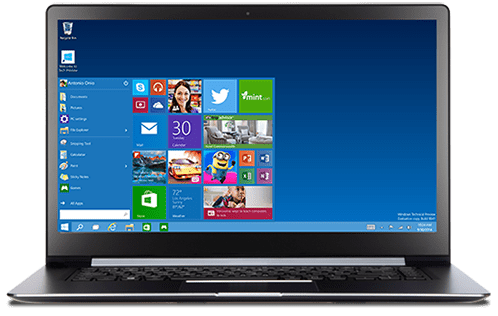
Let's see how you can create an ISO of build 9860,
First you need to have the ESD file of Windows 10 build 9860. You can download the files from the links below:
Windows 10 x64: 9860.0.141008-2044.fbl_release_clientpro_ret_x64fre_en-us_890f9c77dfdd9d3e7e9ac46e18fa7f4dd7b105d1.esd
Windows 10 x86: 9860.0.141008-2044.fbl_release_clientpro_ret_x86fre_en-us_4268ed97873110ab801beb19b3f5016090623c7c.esd
Next you need to download the ESD Decrypter tool from here
Place the ESD Decrypter tool in the same folder as the ESD file
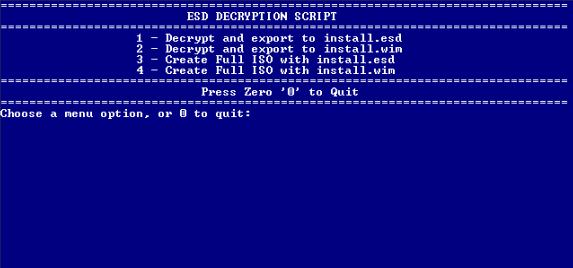
Now, right-click on the decrypt.cmd file and run it as administrator from the context menu.
Type 4 in the command line to create your ISO and wait for a few minutes until it is ready.
That's it, enjoy the new file.
