

Microsoft today released an updated build of Windows 10 Preview. The new build (Windows 10 Preview Build 9860) brings several improvements to the appearance and usability.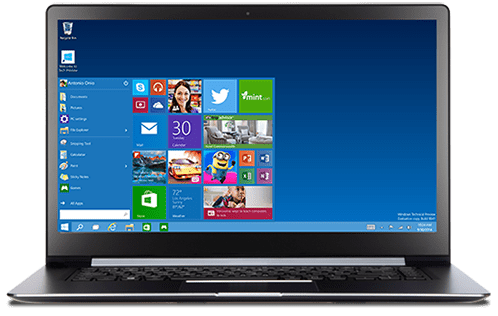
You can't download the ISO of the operating system as the company is only making it available to those who have already installed and are testing Windows 10 Preview. If you have already installed the new operating system, from your PC's settings in the Start menu, go to Update and Recovery and select "Preview builds".
What's new?
The new version comes with a new notification center, the same as the one that was in the initial beta version, but apparently now unlocked for everyone.
As rumored, the notification center is very similar to the one used in Windows Phone 8.1, but it's tailored for the computer screen. For now, it only supports basic notifications, but Microsoft says it will soon have a new UI with more features.
At the same time, the new version allows users to move applications from one screen to another, in case they are working with multiple monitors. With the shortcut Win + Shift + arrow key, they will be able to move from one screen to another very easily.
Microsoft says the new version comes with around 7,000 improvements, but most of them aren't obvious.
