

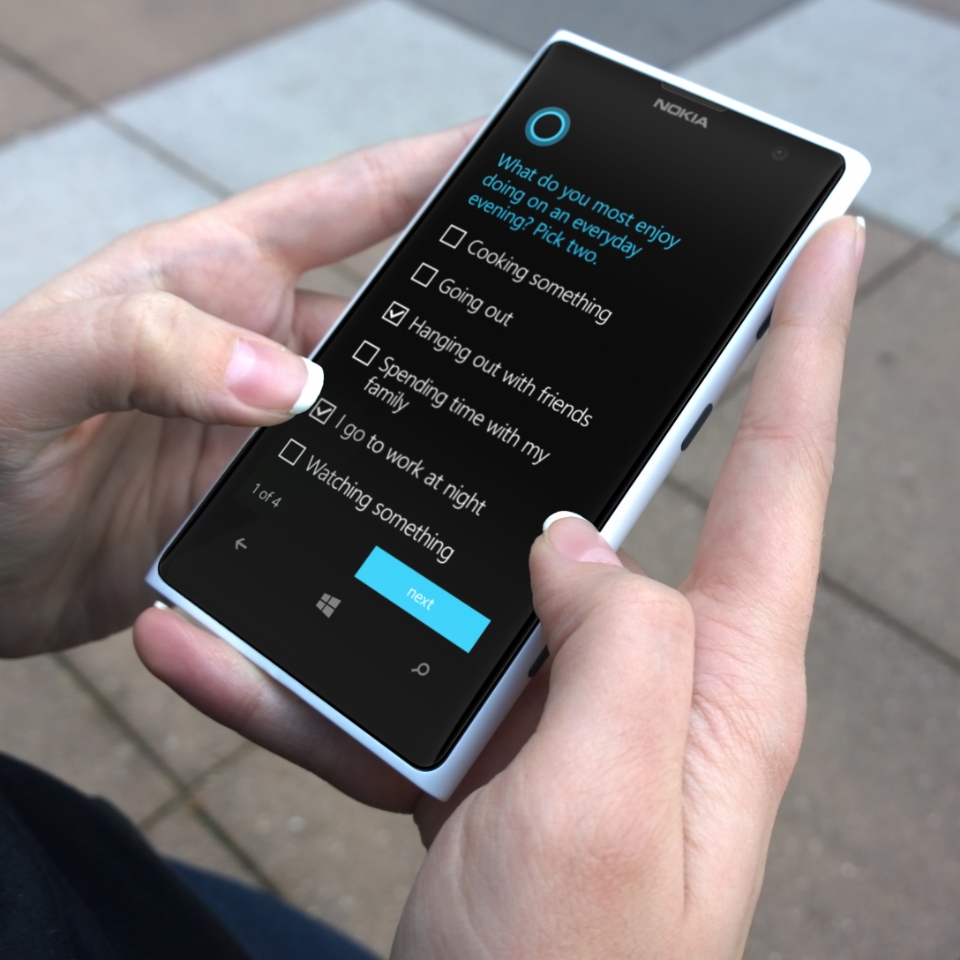
Today, Redmond is releasing Windows Phone 8.1 to the public, giving the public access to the Windows Phone 8.1 Developer Preview.
Windows Phone 8.1 officially launched in early April and comes with a slew of new features, including Cortana, the digital assistant that offers a more personal experience on the mobile operating system.
The new platform will start rolling out to end users in a few months (most likely from May), but fans of the genre can already get a taste of it, through the aforementioned Developer Preview release.
It won't have the full range of features of Windows Phone 8.1, but it will still have much of the new capabilities it will offer its users.
As mentioned above, despite being labeled as a Developer Preview, the OS upgrade will be available to almost anyone, as long as you have a supported device and a software developer account. These two requirements may be a hassle for some, but the end result will definitely be worth it.
First of all, to get a taste of the update, you will need a Windows Phone device running 8. Make sure you have already installed the GDR3 on it. Microsoft has already confirmed that Windows Phone 8.1 will be released on all WP8 devices, which means you can get the Developer Preview even with the Lumia 520, Lumia 620, Lumia 920, HTC 8X, Lumia 1520, and other similar devices.
You'll also need a developer account to access the OS upgrade, whether you're a Windows Phone Developeror just signed up for App Studio. Next, you'll need to make sure your device is unlocked for development. The necessary tools for this can be found on this Microsoft website, along with a step-by-step guide on how to use them.
Keep in mind that unlocking a device comes with some risk as it may void the warranty. However, the process is said to be quite safe, and the chance of damaging the phone is small.
You'll also need to have the Preview for Developersso you can download the operating system update. It's available in the Windows Phone Store, and it shouldn't be too difficult to install. app installed on your phone
The Windows Phone 8.1 Developer Preview is coming today, April 14. Once you see it, you can go to “Settings > Phone Update > Check for Updates” to download it, provided you have already done all of the above.
Before installing the update, you may want to back up all the files on your device to ensure nothing is lost in the process. You should also have at least 1GB of storage space available on your phone and make sure the battery inside is at least 50%.
As reported by WPCentral, the Windows Phone 8.1 Developer Preview will be different from regular updates. Another thing that users should keep in mind when installing the Windows Phone 8.1 Developer Preview is the fact that they will not be able to revert to an older operating system.
