

Vega is an open source platform for testing the security of web applications. Vega can help you find and validate SQL injections, cross-site scripting (XSS), and other vulnerabilities. It is written in Java, GUI-based, and runs on Linux, OS X, and Windows. Vega includes an automated scanner for quick proxies checking and filtering.
https://www.secnews.gr/102390/wifi-slax/See also: WiFi Slax: A Linux Made for Wireless Hacking
The purpose of these tutorials is purely educational and we hack our systems as a proof of concept and never to conduct any black hat activity.
[alert size=”alert-block” variation=”alert-error”]ATTENTION!
The following material is for EDUCATIONAL PURPOSES ONLY!
SecNews.gr assumes NO RESPONSIBILITY for any illegal acts![/alert]
== Use vega ==
It's very easy.
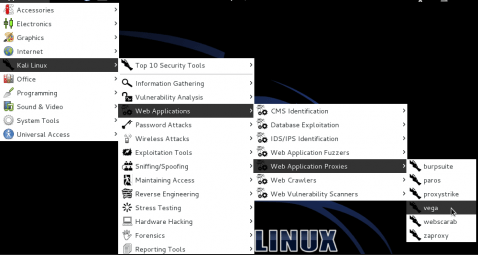
Go to "Applications -> Kali Linux -> Web Applications -> Web Application Proxies -> vega"
This window will appear.
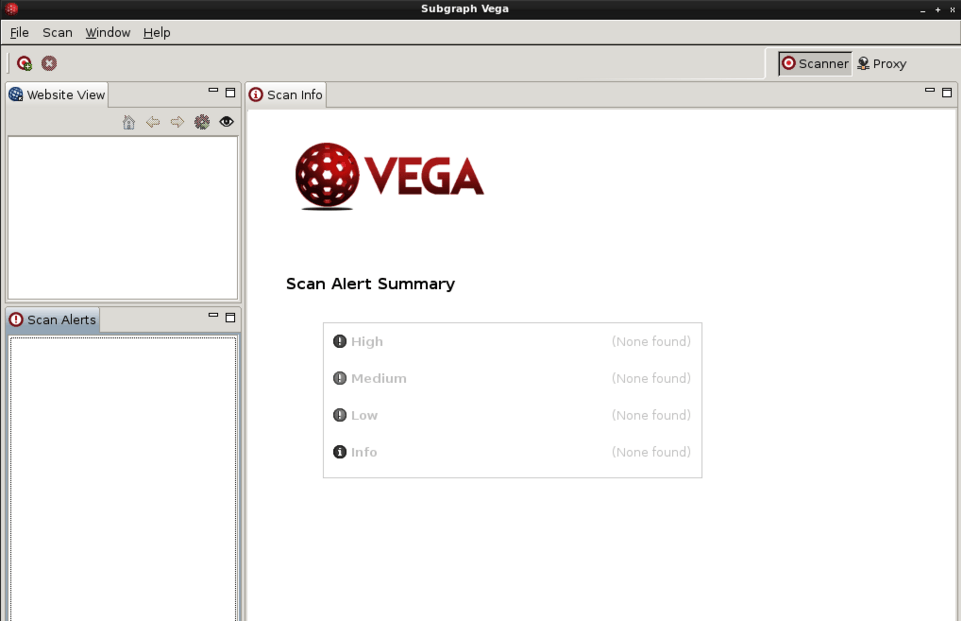
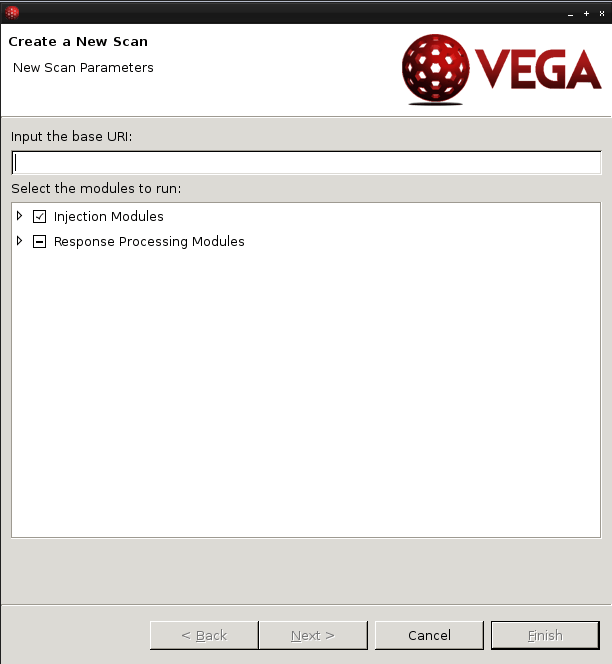
Click on “scan” and enter the website url:
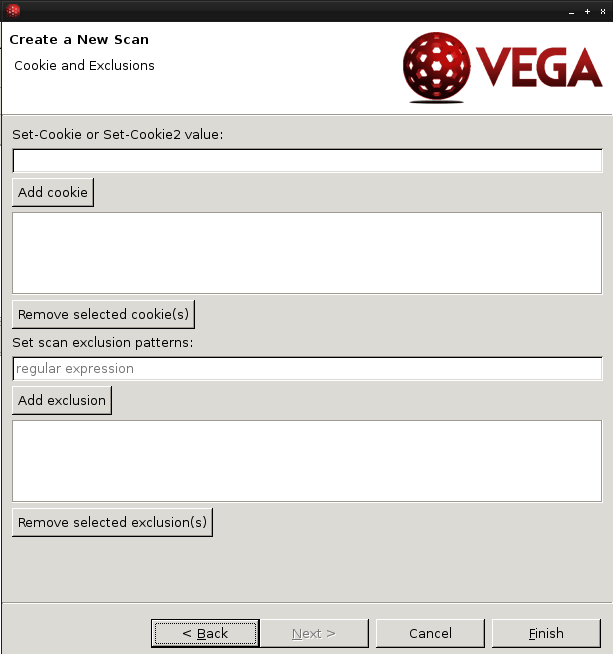
And you can add cookies if you want.
The vulnerability will appear on the right after the scan is complete.
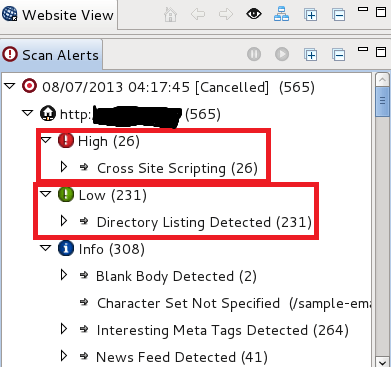
This scanner is not a very powerful tool, but it is very fast, taking only five minutes to complete the scan. If you want a more extensive scan, you should use other, more powerful tools.
https://www.secnews.gr/102163/free-pdf-password-remover-software/Read: Break PDF passwords with 4 Free Password Remover Software! 😉
