

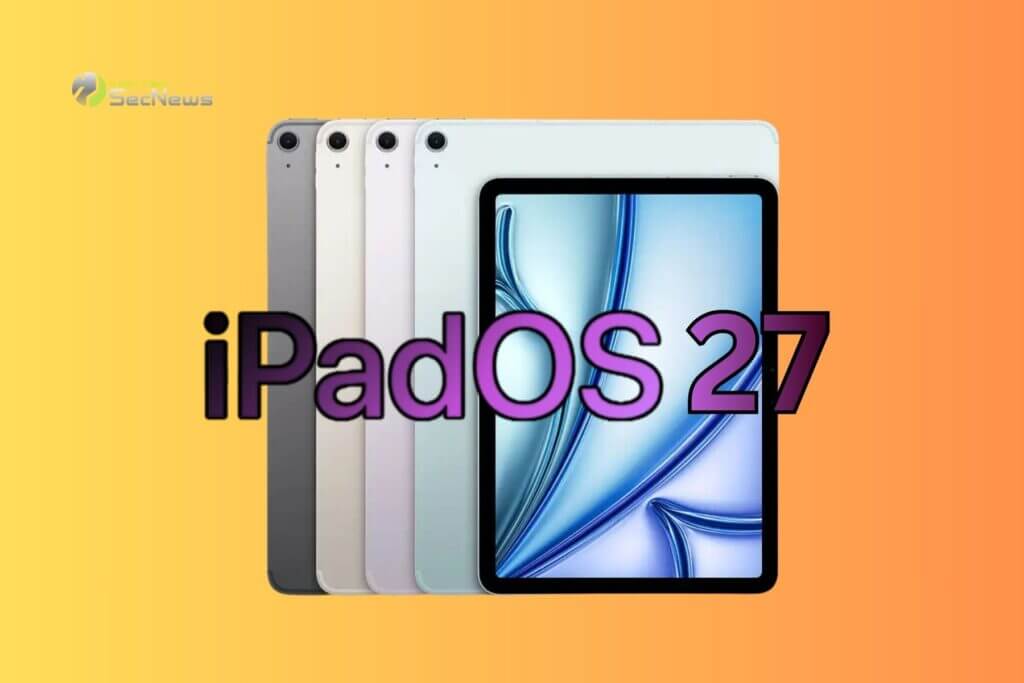
Apple is rolling out one of the biggest upgrades in iPad, introducing iPadOS 27 as a version that puts artificial intelligence and automation. As with iOS 27, the new version of the operating system gets a significantly more advanced version of Siri and an expanded set of Apple Intelligence features. However, several of the new features are designed specifically for the iPad ecosystem, making the device an even more powerful tool for creativity and productivity.
The new Siri becomes a real digital assistant
In iPadOS 27, Siri is getting a major upgrade, gaining capabilities that go far beyond traditional voice commands. Apple's assistant can now access personal data , search for information on the web, perform complex tasks within apps, and understand content displayed on the screen.
The most significant change is for Apple Pencil users . The new Siri can index handwritten notes , allowing you to search for information even within handwritten text. It can also interact with notes , whether typed or handwritten, performing actions and organizing content in a natural way.
See also: AirTag 2 Hands-On: What's new and should you upgrade?
New writing capabilities with the help of artificial intelligence
Apple is also incorporating a new feature called Write with Siri, which works across the entire system. The user can ask Siri to summarize texts, rephrase them, correct grammatical errors, suggest style improvements, or even create new content from scratch.
This feature is especially valuable on iPad, as the device is increasingly used for professional work, note-taking, academic research and content production. Essentially, Siri becomes an always-on writing assistant, regardless of the app the device owner is using.
Image Playground and image creation with artificial intelligence
Of particular interest is the new application Image Playground. The platform allows the creation of images in multiple styles, even photorealistic depictions, utilizing the capabilities of Generative AI.
The new technology connects directly to the Notes via the Image Wand. Users can draw a rough sketch in their notes and then turn it into a complete visual representation. This feature is expected to prove particularly useful for students, professionals, engineers and content creators who need to quickly visualize ideas.
Visual Intelligence extends to iPad
Until now, Visual Intelligence was exclusive to the iPhone. With iPadOS 27, this feature is coming to the iPad, allowing users to interact with the content on their screen in a completely different way.
With a screenshot and a simple circular motion with a finger or Apple Pencil, the user can request more information about any object displayed on the screen. The system is able to recognize foods and their nutritional value, as well as plants, animals and various objects of the natural world.
Smart automations and faster operation
The app Shortcuts also brings significant changes . Thanks to artificial intelligence, shortcuts can now be created automatically. The user simply describes in natural language what they want to do and the system creates the appropriate automation within a few seconds.
At the same time, Apple promises noticeable performance improvements. Browsing the system is faster, file transfers and AirDrop complete faster, apps launch more instantly, and multitasking becomes smoother even on older devices.
See also: Foldable iPad may have similar hinge design to iPhone Ultra

Availability restrictions and device requirements
Siri AI and Apple Intelligence features will be available exclusively on iPads with M-series processors or iPad mini with A17 Pro chip. Additionally, at the launch of iPadOS 27, users in the European Union and China will not have access to the advanced features of the new Siri.
Despite the limitations, even older iPads will benefit from the extensive performance improvements. Apple is clearly showing that the future of iPad is no longer limited to the role of a large tablet, but is evolving into a comprehensive computing platform where artificial intelligence is a key element of the everyday user experience.
