

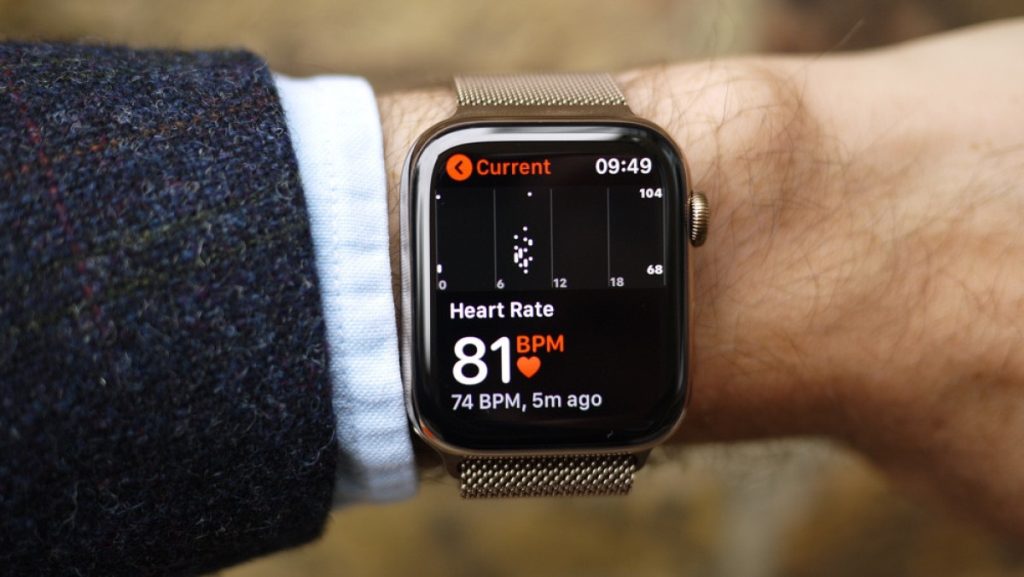
Stories about Apple Watch's abnormal heartbeat alerts and how they saved lives are quite common, but this time the watch saved a young woman in a situation that was particularly unusual for someone her age – a pulmonary embolism.
See also: Apple Watch: Saved the life of a woman who collapsed in a hotel room
These stories mostly appear in Apple, about how heart rate and detecting abnormalities on their watch has saved lives many times – but this time, it saved the life of a 29-year-old woman from Cincinnati named Kimmy Watkins, by detecting a pulmonary embolism in her sleep.
The Apple Watch, like other smartwatches, measures your heart rate throughout the day and whenever you wear it. Unlike other products, it also detects high or abnormal heart rates while you're resting. In Watkins' case, it detected a heart rate of 178 while she was sleeping. The watch started beeping, waking her from her slumber.
Watkins, who was not feeling well, sought medical attention and was diagnosed with a pulmonary embolism, a life-threatening condition with a 50 percent mortality rate. The watch saved her life.
Suggestion: Apple Watch: Saves a man's life from gastrointestinal bleeding
"I'm very lucky and if my sleep hadn't been disrupted, my partner would have found me sleeping on the couch or not really sleeping," Watkins said.
How does the watch measure your heart rate? The optical heart sensor in Apple Watch uses a technology called photoplethysmography. While the name of this technology is hard to pronounce, it's based on a simple fact: Blood is red because it reflects red light and absorbs green light.

How do you turn on heart rate monitoring with Apple Watch?
By default, your watch tracks your heart rate at all times. If you have turned off heart rate data, you can turn it back on.
To do this, open the Settings app on your watch. Go to Privacy & Security, then tap Health. Tap Heart Rate and turn it on.
You can also open the Apple Watch app on iPhone , tap “My Watch,” tap “Privacy,” and turn on “Heart Rate.”
You can also turn on heart rate updates to know if your heart rate remains above or below a selected beats per minute (bpm) value or to occasionally check for irregular heartbeats.
Read also: Apple Watch saves a pregnant woman's life
information source: jpost.com
