

All GitHub users who contribute code must implement two-factor authentication (2FA) as an additional security measure on their accounts by the end of 2023 at the latest. This way, you can be sure that your account is constantly protected from any threats.
See also: Cryptomining campaign abused free GitHub account trials

Maximize the security of your accounts with two-factor authentication, a simple but effective layer of protection that adds an extra step to the sign-in process. With this method, you must enter a unique, one-time code to gain access.
If a GitHub user's account is compromised, the consequences can be devastating: malicious code can infiltrate their supply chain and have far-reaching consequences depending on how popular the project is.
By requiring 2FA for all GitHub accounts, the platform can become a safe haven where users can feel confident in the reliability of the code from the repositories. This simple measure will guarantee increased security and certainty when downloading any code from repositories.
See also: Dropbox announces security breach – Hacker stole GitHub repositories
Earlier this year, the platform made a similar decision involving active developers on high-impact projects with more than 1 million downloads/week or over 500 dependents.
Today, the two-factor authentication (2FA) requirement is being extended to all users of the Github platform – a total of 94 million people!
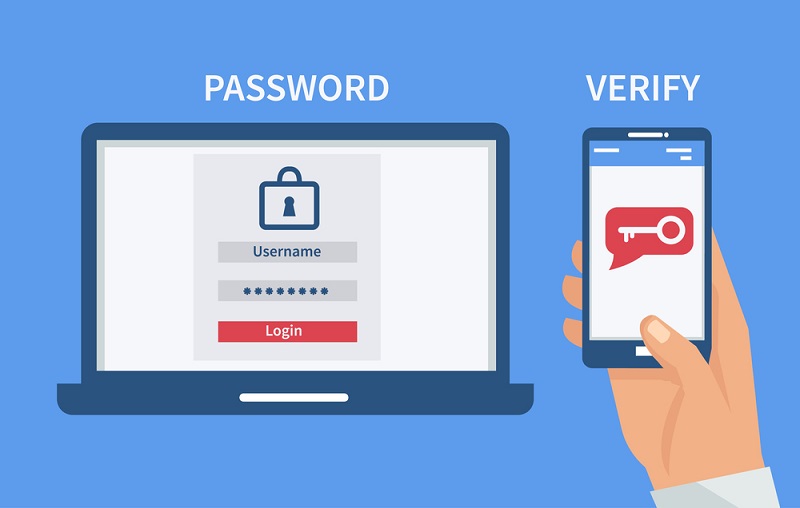
2FA requirement rollout
Starting in March 2023, GitHub will introduce mandatory two-factor authentication for all accounts. Initially, these changes will only apply to certain groups of contributors.
The availability of the feature will be evaluated before scaling to larger groups, measuring onboarding rates, account lockout and recovery, and support ticket volume.
To form a strong group of larger teams, GitHub has established the following criteria:
- Users who published GitHub or OAuth apps or packages
- Users who created a release
- Users who are Enterprise and Organization administrators
- Users who contributed code to repositories deemed critical by npm, OpenSSF, PyPI , or RubyGems
- Users who contributed code to the nearly four million top public and private repositories
Those who receive advance notification to activate 2FA via email will have 45 days to do so.
If users do not enable 2FA on GitHub within the specified timeframe, they will be prompted to do so for an additional week. If they ignore this warning, access to all GitHub features will be blocked.
See also: Microsoft sued for piracy of open source software via GitHub Copilot
After 28 days, each user must undergo an assessment to prove that their 2FA settings are working properly and that all passwords have been recovered. Should users need further assistance with reconfiguring or troubleshooting security protocols, they will be provided with guidance at that time.
For those who don't know how 2FA works
2FA works by requiring users to provide two different pieces of evidence before gaining access. This could involve something like providing a password and then receiving a code via text message or email. Another example could be providing a biometric factor, such as a fingerprint, and then entering a unique code. Having two forms of verification makes it much harder for malicious actors to gain unauthorized access to accounts.
Information source: bleepingcomputer.com
