

After five years, the Nintendo Switch allows users to create game folders called Groups – the new update brings the change.
See also: Nintendo: Fake sites claim to be selling Nintendo Switch at a low price
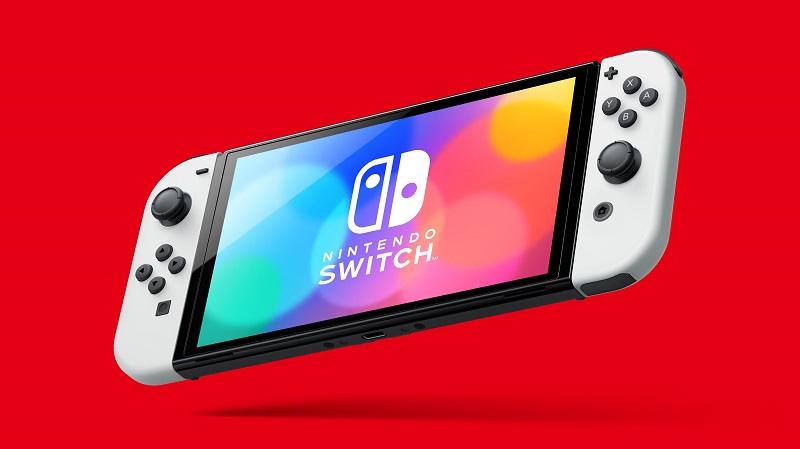
This new feature was added in Nintendo Switch update 14.0.0 along with improvements to Bluetooth volume and allows users to create up to 100 groups with up to 200 games per group.
To create a group, you must first scroll all the way to the right and select All Software. Once there, you will press the L button to view games by groups. The first time you do this, you will see a pop-up window that will allow you to create your first one. After that, you will see your groups appear.
See also: Nintendo: Wii and DSi Shop have been closed, perhaps without return
You can name a group and rearrange the titles in it. Unfortunately, these groups can only be displayed when you navigate to All Software and cannot be placed on the home page.
See also: Nintendo: Acquires SRD with which it has a long-standing partnership
As for Bluetooth audio settings, this new Nintendo Switch Update allows you to adjust the volume of Bluetooth either from the Switch or from the controls on the device itself. The volume displayed on the console will now reflect the correct volume even when you change it on the device – the maximum volume for some Bluetooth audio devices has been increased.
Information source: ign.com
