

If you're like most users, you charge your phone while you sleep. Instead of manually switching your Android phone to silent mode every night, we'll show you how to do it automatically while charging.

See also: Check your heart rate and breathing through your Android
Silent mode on most Android devices doesn't block alarms, which is great if you silence your phone while you sleep. But we can do better than that. With Do Not Disturb, you can turn off your phone while it's charging and only receive important notifications.
The Google Clock app includes a number of tools under the “Bedtime” tab. If you have a Google Pixel or a fairly new Android device, there’s a good chance you have additional sleep options with “Digital Wellbeing.”
See also: Google will require privacy information from Android developers
First, download the Google Clock app from the Play Store, if you don't already have it.

Open the “Clock” app and then tap “Bedtime” on the bottom toolbar.
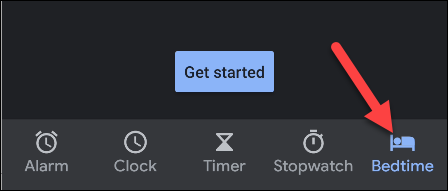
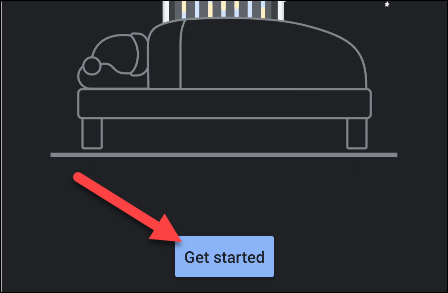
Then, select “Get Started”.
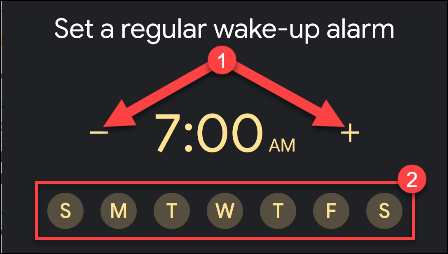
It will ask you to create a wake-up alarm. Tap the minus (-) and plus (+) icons to select a time. Tap the days of the week you want to use the alarm.
See also: How to hide sensitive notifications on Android
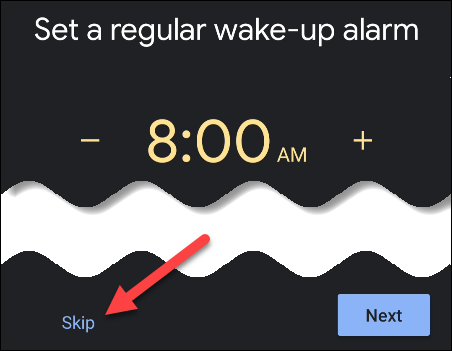
There are some additional options on this page if you are creating an alarm, but for the purposes of this guide, we just need to select the wake-up time. Tap “Skip” once you are done with this step.
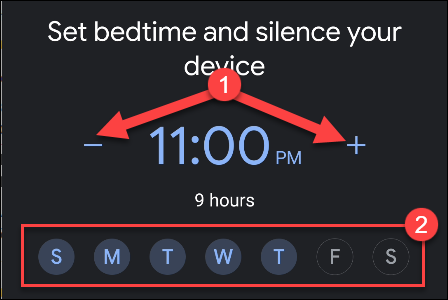
The Clock app will now ask you to set your bedtime. As before, use the minus (-) and plus (+) icons to adjust the time, then tap the days of the week you want this to happen.
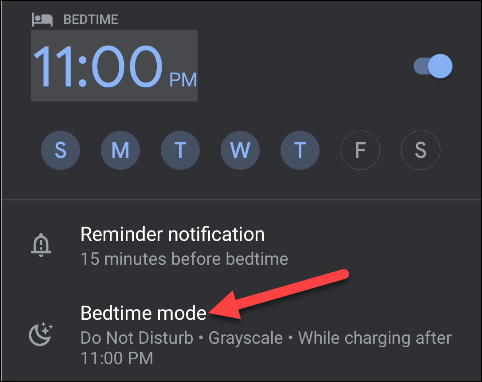
Now, if your device has Digital Wellbeing, you will see “Bedtime Mode” on this screen. This is where we will silence your phone while charging. Select the option.
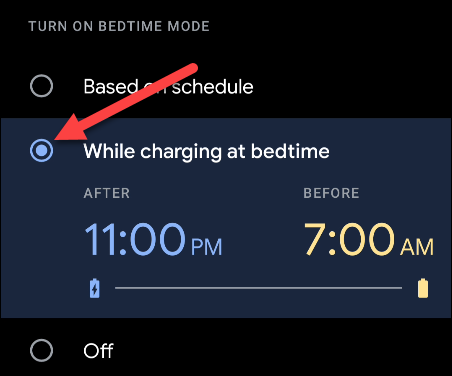
Tap “While Charging at Bedtime” where you will see the wake-up and sleep times we selected in the previous steps.
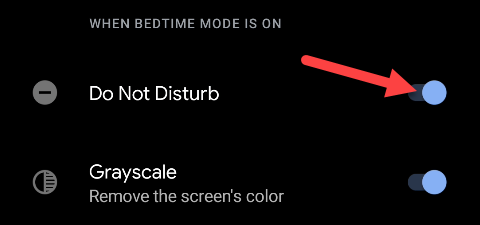
Below that, you’ll want to toggle on “Do Not Disturb.” This will ensure that notifications are silent while your phone is connected during the selected time window.
You're done! Tap the back arrow icon on the left to return to the previous screen.

Select the “Done” button to complete.

To get the most out of this feature, you'll need to make sure you've set up Do Not Disturb. Unfortunately, this process varies greatly depending on your device.
With all of these settings, your phone will go silent at night when you charge it, but important notifications will still come in. It's a win/win situation.
Information source: howtogeek.com
