

If you buy a computer today, it's likely equipped with an SSD. These new drives are much faster than traditional hard drives.
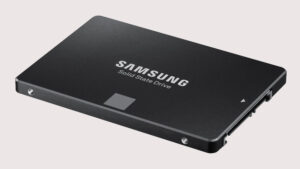
SSDs however, are more expensive and have the disadvantage of failing without warning. If you own one, you should pay attention to its condition and there are several tools online that you can use to do so.
Many of the tools available for checking the health of an SSD (Solid State Drive) will give you a simple diagnosis, for example, is your drive in good condition or OK, or something else. The tool you have may or may not be able to give you the actual wear indicator of your drive. If you can't see the wear indicator for your drive with simple third-party tools, there are a few extra steps you can take.
When a third-party application fails to read critical information about an SSD, it's likely related to the drive manufacturer locking down that information. Fortunately, most Solid State Drive manufacturers provide their own, free applications for checking the health of the drive, and these are the ones you should use.
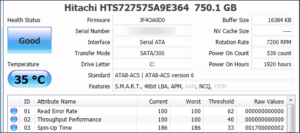
Below are the three most popular Solid State Drive manufacturers and the corresponding programs they offer. If you have an SSD from a different manufacturer, check their website for available software they may provide.
The app should be able to show you the wear indicator and give you more details about your drive's health than a third-party app. It's also a good idea to have the app on your system just in case.
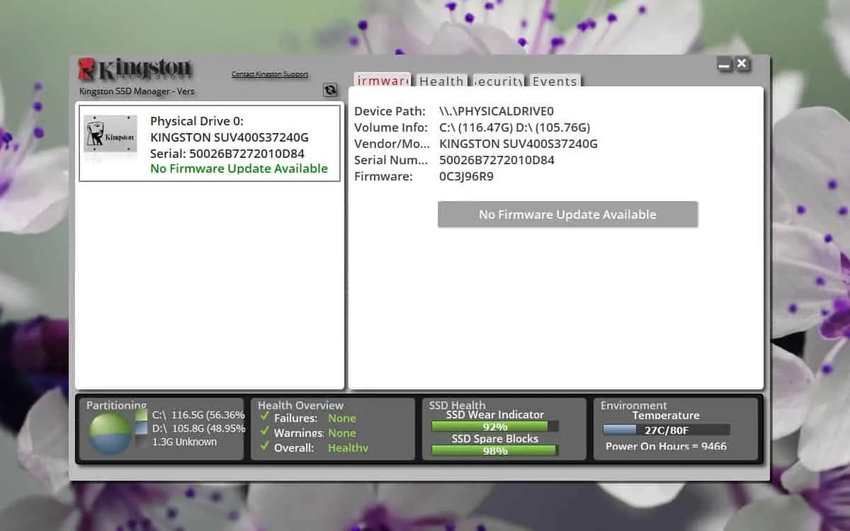
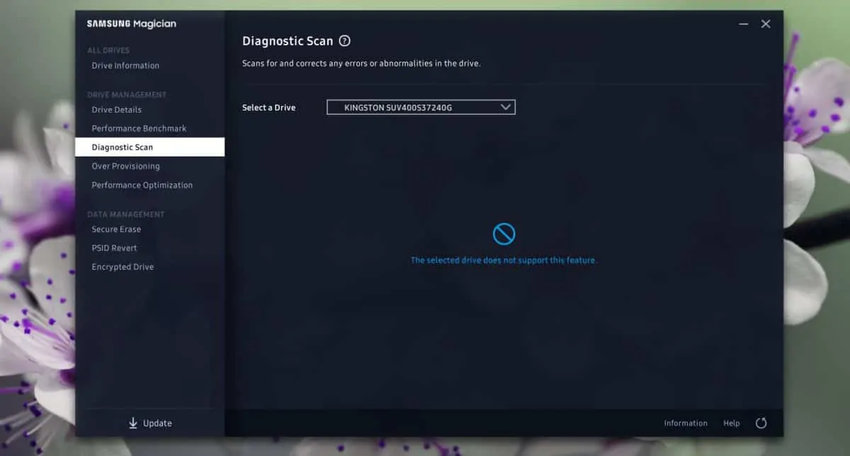
These apps are specific to each SSD brand. That is, the Samsung Magician app won't be able to do much if you have a Kingston drive. It may be able to run some tests, but they may not be accurate.
We should also warn you that if you try to run a very harsh test on an SSD from a third-party application, you may void your warranty. Be careful and only run stress tests if absolutely necessary.
The indications from the diagnostic programs should be enough to let you know whether your Solid State Drive is healthy or not. Even if it is, don't stop checking it regularly. At the very least, make sure your important data is backed up so that in case of a drive failure, you don't lose it.
