

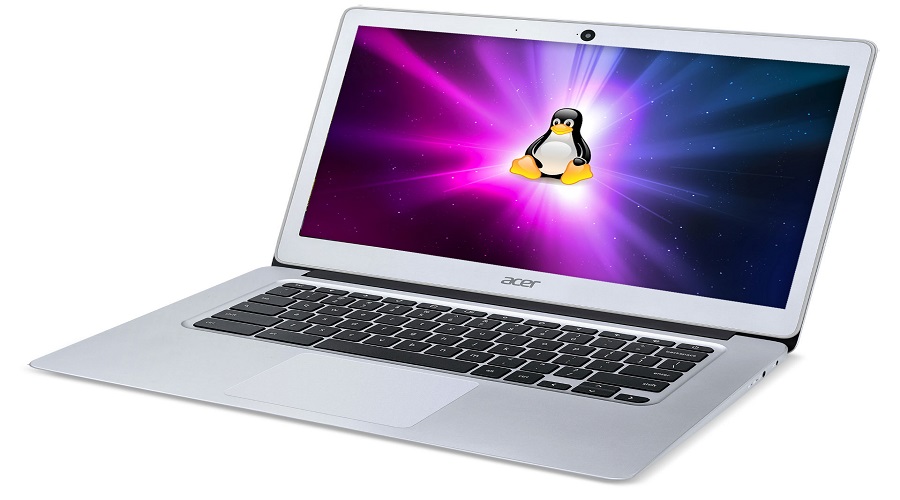
 Chromebooks are laptops designed by Google to run the Chrome OS desktop operating system, a close cousin of Android. Since the two platforms are closely related, the company has the ability to run Android apps on Chrome OS, and the next step is to add Linux.
Chrome OS used to let you install Android and Chrome OS apps from the app launcher tool, which searched as you typed, but that feature has been removed in favor of a new touch-optimized system, the details of which are only just starting to emerge. 9to5Google reported this week on a new addition to a beta version of Chrome OS that suggests an APT search feature will be coming to a future public release.
The result is that when the app search feature returns, it will be able to include Linux apps, as well as the Android and Chrome OS app capabilities that existed before the entire feature was removed in Chrome 70.
On the other hand, as 9to5Google notes, apt is limited to searching pre-selected directories of applications, known as repositories or “repos.” Regular Linux lets you add and remove any repo that’s compatible, but Chrome OS may not give users that ability. In that case, your repo on Chrome OS will be limited to whatever Google deems appropriate.
Since repos can contain trial versions of various applications, being able to add them “by hand” could lead to unexpected bugs and security holes. While this is common for Linux veterans, it can be dangerous for all Chromebook users.
If you plan to use Linux apps on your Chromebook, some models can replace Chrome OS with regular Linux, and some Chromebook-specific Linux distributions allow the two to coexist on one system, called dual booting. However, Chromebooks don't use a standardized keyboard layout, so your shortcuts may differ from one model to another.
Since this is an early Chrome OS update, there is no release date and the feature may be retired. We await more information.
