

SecureGmail encrypts and decrypts the messages you send through Gmail. This happens on your computer, so the unencrypted text never reaches Google's servers. It's a very useful plugin (it only works on Google Chrome and Apple's Safari) if you want to be sure that only the end recipient will read your email and not companies, governments, etc.).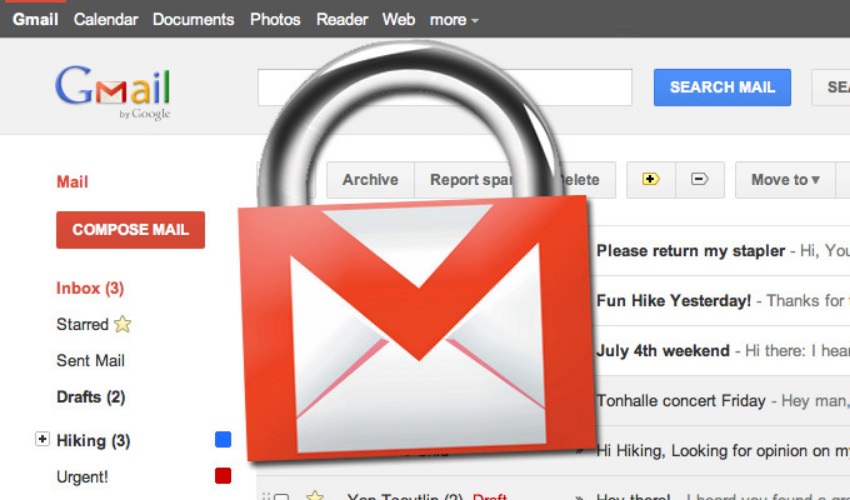
The project is very reliable as it is open source. Community participation guarantees transparency in the code and also helps in identifying potential bugs. The entire project is available on GitHub for anyone who wants to check the code, and according to the developers, any tweaks you have to suggest are always welcome.
How safe is it?
SecureGmail uses symmetric encryption to encrypt and decrypt each message. The password decided by the user is also known to the recipient.
It's only as secure as your password (short passwords provide minimal security). Remember, you should never share passwords via email or IM. Use as long passwords as you want for encryption.
SecureGmail uses an open source JS cryptography library from Stanford available here as well as on Github.
The plugin is compatible with any of your Gmail accounts and you can use it on multiple accounts at the same time. It works perfectly with personal Gmail accounts or accounts provided by your company, school, or organization through Google Apps.
Download the Chrome plugin:
