

Vintager , or resizing.
The interface is very clean and well designed. You can add images by drag and drop or using the file browser window.
The application offers five tools for the following functions:
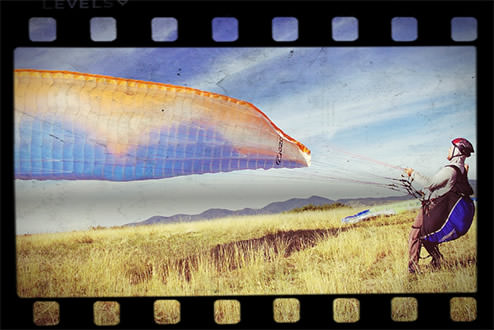
- Changing the depth and adding a frame
- Crop the image using your mouse
- Rotate or flip the image.
- Modifying brightness or contrast.
- Change the width or height of the image.
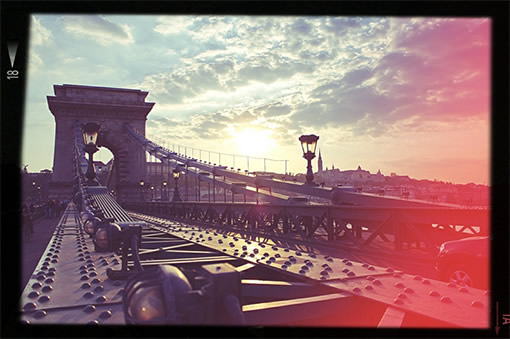
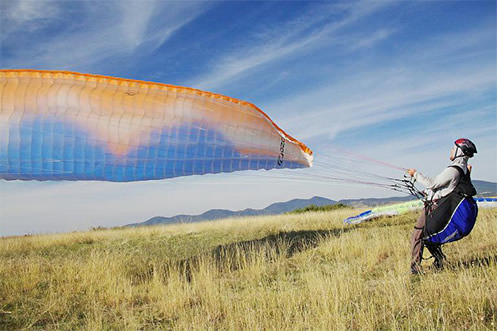
We should also add that there are filters, with which you will get results that will resemble Instagram images. The application is very easy to use and for a free program it offers satisfactory tools.
You can download the application from here. If you want more information, visit the official website.

[su_divider divider_color=”#1f9c017″ margin=”5″][/su_divider]
📧
Subscribe to the SecNews Newsletter
