

The “Power Saver Mode” option in Windows under the “Wireless Adapter Settings” section is used to adjust how much power you want to save (and therefore how much battery or electricity you will use) when using your wireless network card.
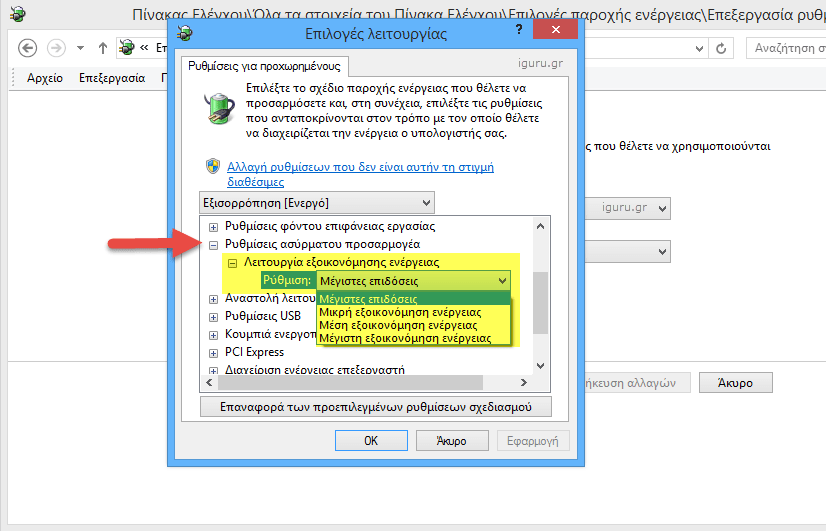
There are four types of power saving modes available: Maximum performance, Low power saving, Medium power saving, and Maximum power saving.
Your wireless network performance decreases as you choose a higher power saving setting. For example, the “Maximum Power Saving” setting will cause your wireless network connection to operate at lower speeds due to the network card repeatedly suspending itself when it is not communicating with a router. The maximum power saving setting is not as bad as you might have mistakenly assumed if your laptop is particularly close to the wireless router. It ensures that your computer will run for as long as possible without communication problems.
Clearly you can have different settings when operating on mains and when working on battery.
