

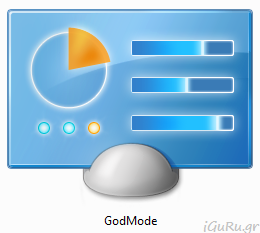
 Just like in previous versions of Windows, the new Preview version of Windows 8.1 comes with a hidden feature (the “God Mode”) that allows users to access all of their system settings from a single place.
Of course, “God Mode” is not enabled by default because it provides access to critical settings that could affect overall system performance and stability, so to enable it, you will need to follow a few simple steps.
Create a new folder on your desktop and name it “God Mode.{ED7BA470-8E54-465E-825C-99712043E01C}” without the quotes.
Once you press Enter on your keyboard to complete naming the folder, the folder icon will look like the one used with the Control Panel. Now double-click on the new icon and enjoy all the options available.
📧
Subscribe to the SecNews Newsletter
