

A while ago we saw Twitter to its Android app which was the night mode and it seems that it’s time for the iOS app to get the same feature. Twitter recently announced that its iOS app has just been updated with the night mode, which can be activated by tapping on the “Me” tab and then on the gear icon. Then, users simply need to enable the night mode.
The night mode for iOS works exactly the same way as on the Android app, meaning that you will change the background to black with white letters and when the mode is turned off the background returns to its white color.
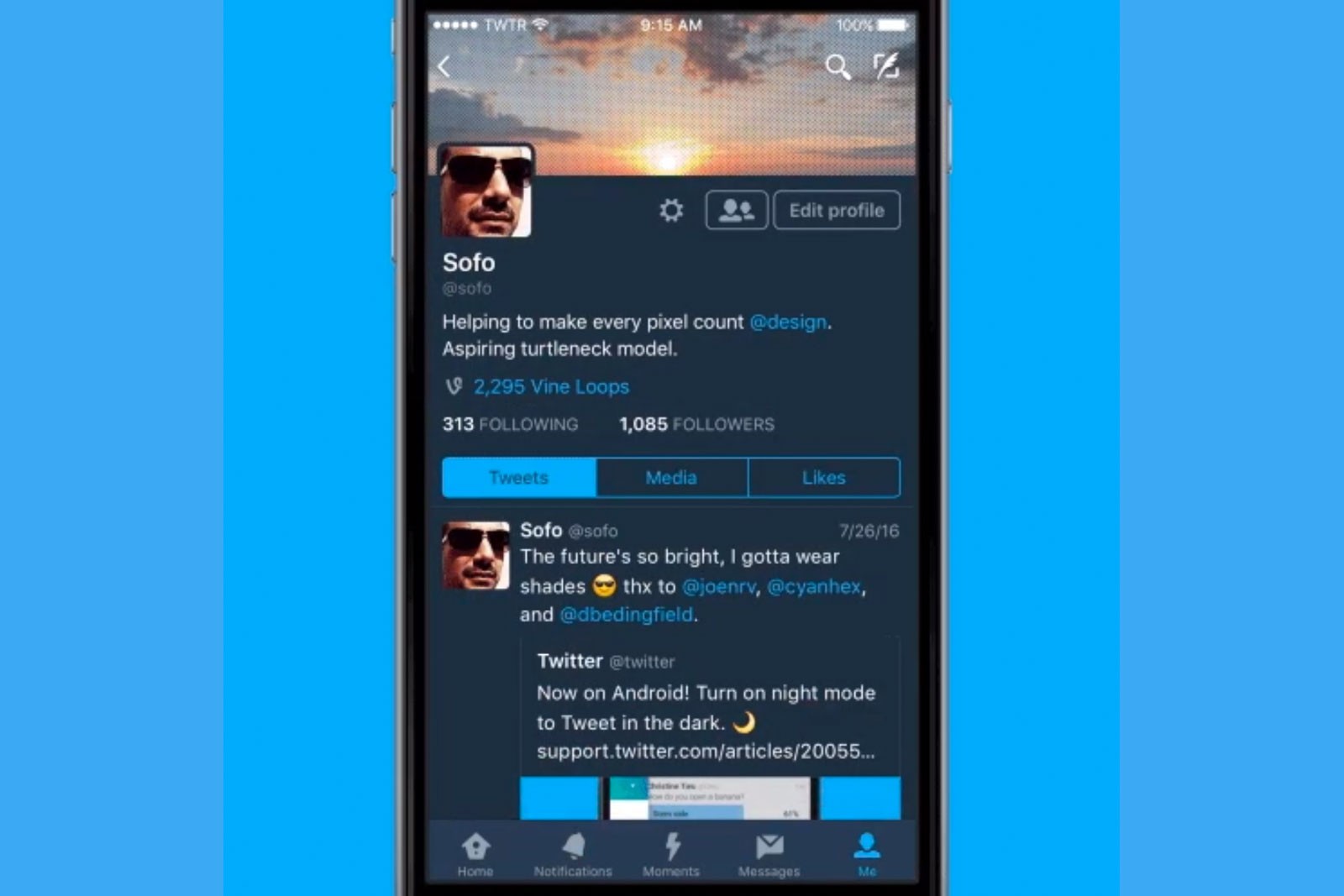
Night mode is very convenient when reading content on the phone at night or in some cases in low light conditions. Of course, it would be even nicer if night mode could be activated automatically, based on the time of day, perhaps Twitter will implement such a setting soon.
Twitter seems to be working on another feature that it wants to release soon. The Quality filter, which will prevent users from seeing duplicate tweets or automated content that may contain objectionable content.
It has not been long since Twitter also introduced stickers for images and the ability to search for them through the use of hashtags, and they are already working on new features.
