

One of the key features of a Windows 8.1 computer is the Charms menu, which can change the Windows experience as we have been accustomed to it until now, but it has not garnered many good reviews from users of the operating system. In fact, a not inconsiderable number of users consider the Charms an unnecessary addition to the operating system, which it would be good to be able to disable.

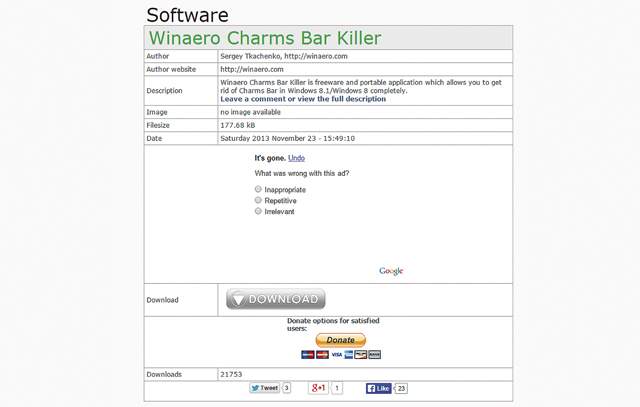
There is a way and it is called Winaero Charms Bar Killer. It is a small, free program that you will download from winaero.com. Once you visit the site, go to the downloads tab and enter the page from where you will download it to your computer, strictly for your personal use only.
The small installation file will be downloaded immediately and the entire process will be completed just as quickly and without any problems for your computer, as this program does not carry any kind of malicious software and is completely safe for your computer.
 The program, once installed, will create its own green icon in the System Tray, on which you can right-click, select Kill Charms Bar and simply check if it is selected. There it is a good idea to click on the Run at startup option, in order to get rid of the Charms once and for all every time you start your computer. After that you will be able to use Windows 8.1, but without the annoying presence of the Charms.
Now, when you move your mouse to the right side of your computer screen, the Charms menu bar will not appear, as you were used to. If you want it back, you will have to terminate Winaero Charms menu Bar Killer.
Source: gr.pcmag.com/
