

Vacations are synonymous with carefree living, but that doesn’t mean we have to put our digital security on the back burner. Connecting to a hotel or Airbnb’s Wi-Fi is now an almost inevitable part of every trip. Whether you want to answer work emails, watch a movie in the evening, or simply share photos from your vacation on social media, internet access is taken for granted. However, what we often overlook is that public or shared wireless networks can be easy targets for cybercriminals. For this reason, it’s worth taking a few minutes to make sure that the network you’re connecting to is as secure as possible.
See also: TP-Link Archer AXE75: OpenVPN command-line vulnerability (CVE-2026-9044)

The first step is to confirm that you are connecting to the correct network. It is not uncommon in tourist areas to see multiple networks with similar names. An attacker could create a fake Wi-Fi with a name that closely resembles that of the hotel or property, aiming to mislead guests. Before connecting, ask the front desk or host to confirm the exact name of the network and, if required, the correct password.
Another thing to consider is how you access the network. Most modern hotels use a unique password for each guest or require you to enter your details via an official login page. In contrast, a completely open network, where anyone can connect without any checks, offers a lower level of protection. While this does not necessarily mean it is dangerous, it does require more attention from the user.
It’s also important to observe your device’s behavior immediately after you log in. If you see unexpected pop-ups asking for personal information, credit card details, or account passwords, be extra cautious. A legitimate hotel chain will never ask you for your email or social media account password to access the internet.
See also: Hotel Wi-Fi DNS poisoning: how hackers steal Microsoft 365 accounts over the network alone
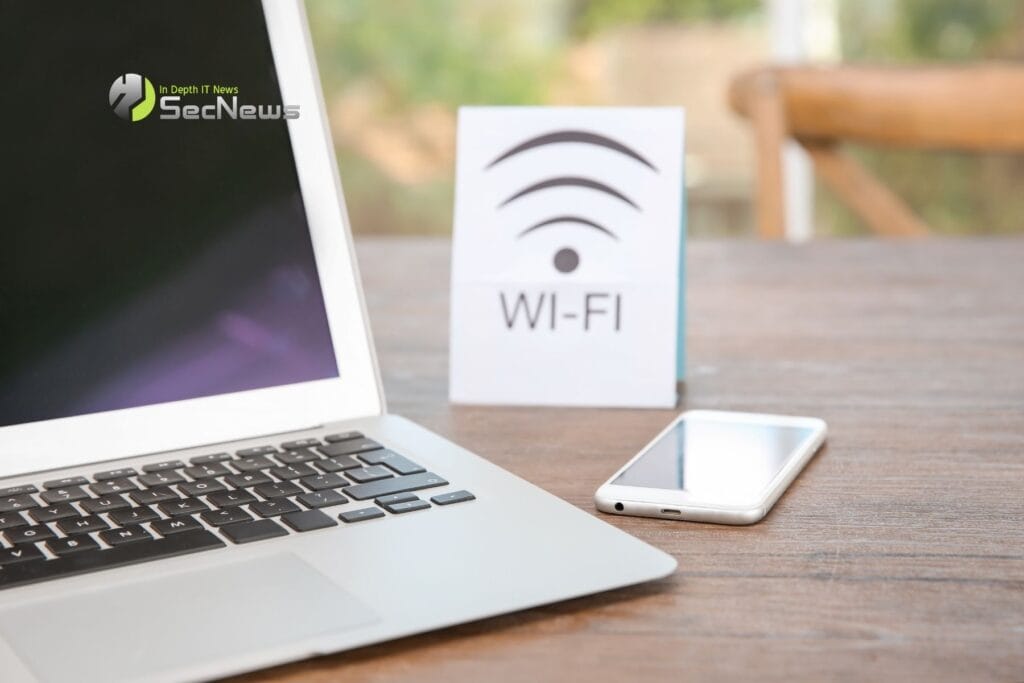
Even when the network seems reliable, it is important to check whether the websites you visit use an encrypted connection. The padlock in the address bar and the use of the HTTPS are key indicators that the communication between your device and the website is protected by encryption. If a website displays a warning about its security certificate, do not ignore it and do not continue browsing without knowing the reason.
It's also a good practice to avoid sensitive transactions when using public Wi-Fi. Accessing your bank account, making purchases with a card, or managing important business documents should be done over your mobile network or through a trusted VPN, especially if you don't know how well-protected the property's wireless network is.
Another often overlooked detail is the settings on the device itself. Before connecting to a public network, make sure that file sharing is disabled and that the operating system treats the network as public and not private. This significantly reduces the chance that someone else on the same network will gain access to your device.
It's also worth having automatic security updates enabled, or better yet, having installed all available updates before you start your trip. These updates fix known security vulnerabilities that can be exploited by malicious users, especially on public networks where exposure is greater.
See also: American Airlines gets Wi-Fi from SpaceX's Starlink

Finally, when you're finished using Wi-Fi, it's best to disconnect from the network and disable automatic reconnection. This way, you avoid the possibility of your device connecting to another network with a similar name without you realizing it.
