

Apple today released new firmware for the AirPods Max 2.The new firmware is version 8E258, compared to the previous 8E251 that was released shortly before the official launch of the AirPods Max 2.
See also: AirPods Max 2: Improved sound but same weight problems

It's unclear what the firmware update includes, as Apple provides limited details in the AirPods firmware support document. Most updates focus on bug fixes and improvements.
AirPods Max 2 feature the H2 chip, an upgrade over the H1. The H2 brings several new features like Live Translation, Adaptive Audio, Loudness Reduction, Voice Isolation, and more.
See also: 10 sound improvements in Apple's new AirPods Max 2
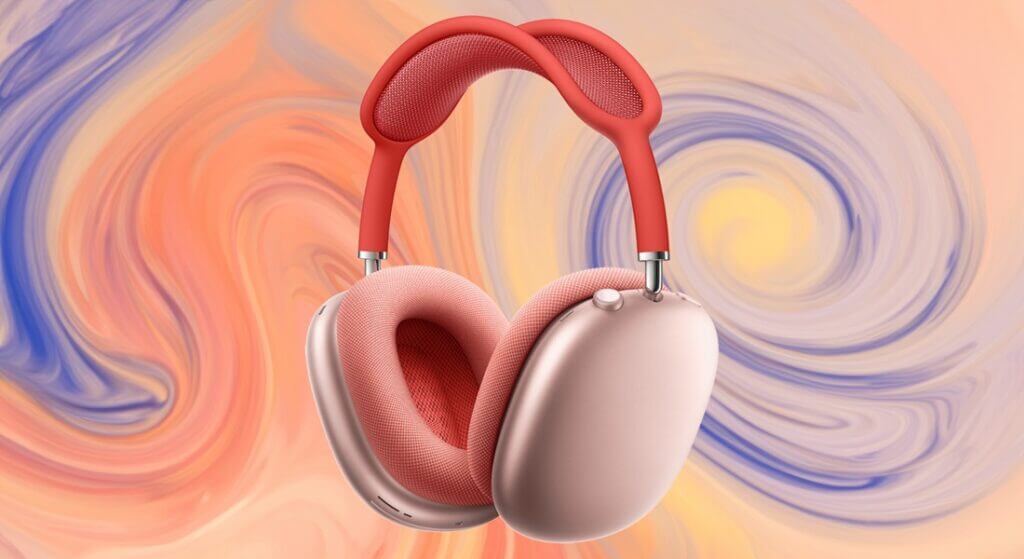
To get the new firmware, make sure your AirPods are within range of your iPhone, iPad, or Mac and connected via Bluetooth. From there, connect your Apple device to Wi-Fi, then plug your AirPods Max into power with a USB-C cable. Keep your AirPods Max within Bluetooth range of your Apple device and wait at least 30 minutes for the firmware to update.
See also: Apple's busy March continues with 3 notable arrivals

From there, reconnect your AirPods to your Apple device and check the firmware version to see if it's updated. Apple says that if the firmware doesn't install, restart your AirPods Max and try again.
