

Last December, WhatsApp began testing end-to-end encrypted voice and video calls for its desktop apps. The feature is now available for Windows and Mac. For now, users can make one-on-one voice and video calls from the latest version of the WhatsApp Desktop App. According to the Facebook, support for group voice/video calls will be added to WhatsApp for desktop in the future.
Windows 10 Tips: How to keep Windows 10 from turning off your screen
How can you make voice and video calls from the WhatsApp Desktop App?
- First, you need to download the latest version of WhatsApp Desktop App
- Then, open the WhatsApp App on your smartphone

- Press the menu button and select WhatsApp Web

- Point the device at the computer screen to scan the QR code
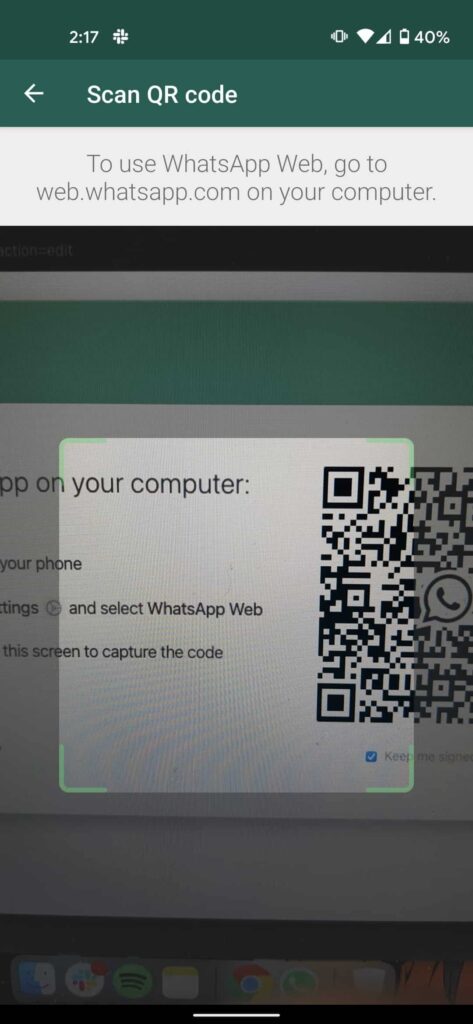
- In the WhatsApp Desktop App, select a conversation
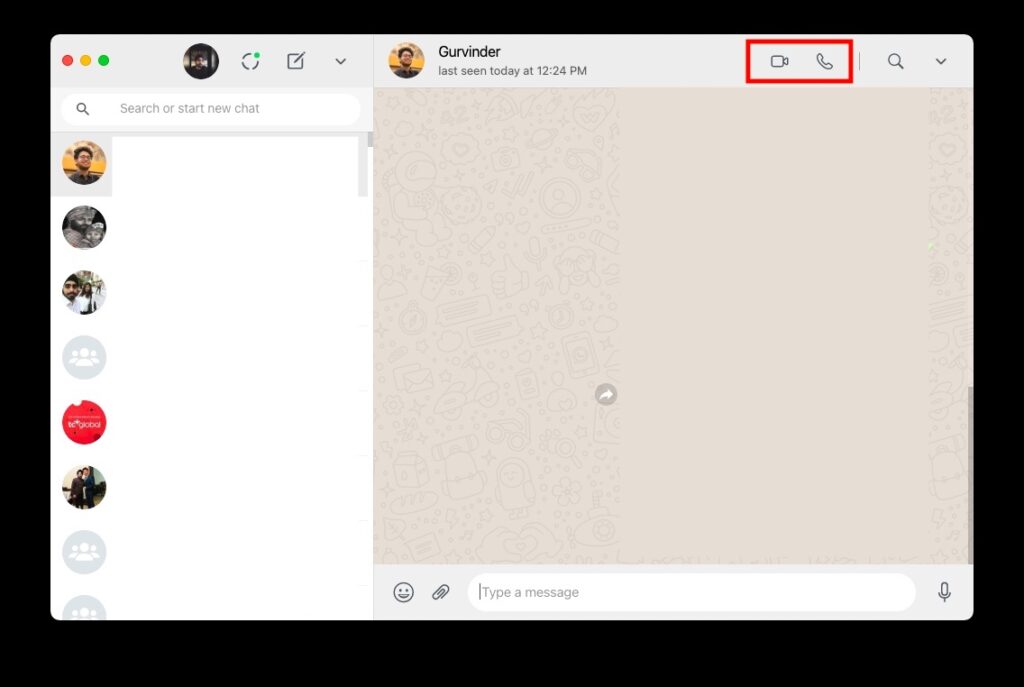
- Tap the video call icon or the call icon
- Give permission to the microphone and camera to be able to use them
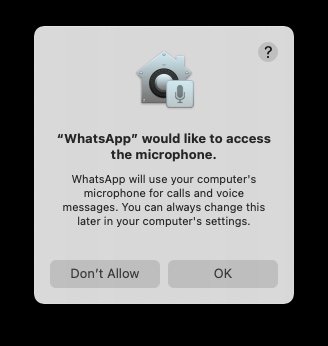
You can now make free voice and video calls from the WhatsApp Desktop App. While making a video call from the WhatsApp desktop app, you can resize the entire window, as well as move the floating window that shows your face.
Additionally, the video call window on your desktop switches to landscape or portrait mode depending on how the other person is holding their phone. The video screen is also “set to always be on top,” so you never lose video chats in a browser tab or a stack of open windows.
Zoom User Guide: Zoom: Screen sharing by meeting participants
WhatsApp allowing voice and video calls from the desktop app will definitely be useful for those who use Zoom or other similar video calling apps, even though they mainly use WhatsApp for daily communication. Especially during this time when most people are in lockdown and working remotely, this new feature offered by WhatsApp will make their daily lives easier.
Source: fossbytes.com
