

Overheating, due to dust that collects around fans and components, is considered one of the most common causes of computer failure . To maintain the proper functioning of the computer's cooling system, the inside of the computer should be cleaned every three months. Also, the amount of free space on your system's hard drive and the presence of malicious software (e.g. spyware) has a dramatic effect on the performance of your computer. In this article you will see instructions for properly maintaining a computer to ensure optimal performance.

Maintaining the operating system:
Install an antivirus and set it to run automatically. Windows computers often come with software when you buy them. If not, you can get one online for little or no cost.
Back up your computer. Windows users can use the “System Restore” feature to schedule automated, periodic system backups.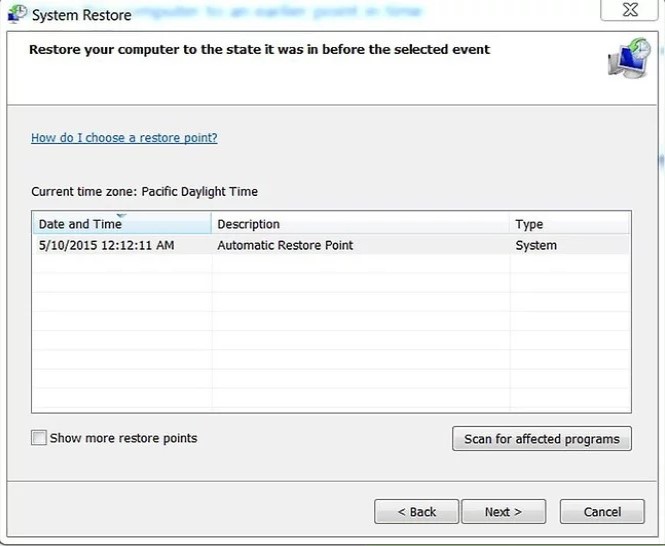
Open the Start menu, type “System Restore” in the search field located under the Programs menu, and press Enter.
Follow the instructions in the program window to schedule an automated and complete system backup
Use Windows CleanUp to delete unnecessary files. The amount of free space remaining on your hard drive can have a dramatic effect on computer performance. Windows CleanUp automatically scans your computer's hard drive to identify and remove temporary files and other files that are no longer being used. Removing these unnecessary files increases the available free space, which improves system performance.
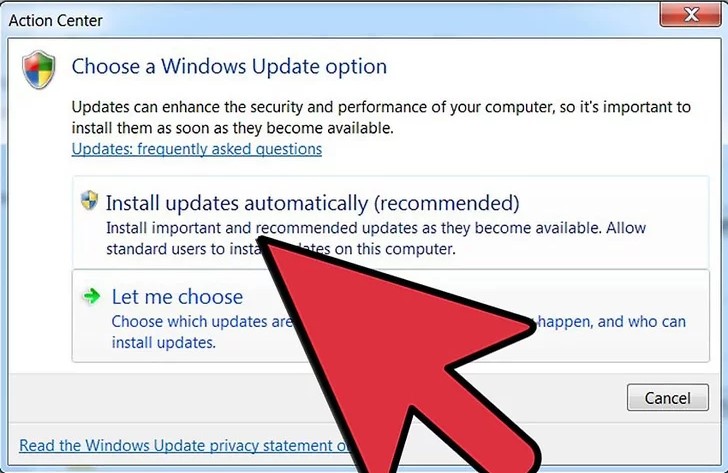 Download the latest updates for drivers to maintain optimal performance levels. You can find these updates on the manufacturer's website, usually at no charge.
Keeping the computer clean
Open the computer. The method for removing the case wall varies greatly from manufacturer to manufacturer. However, most cases are designed to be easy to open. Many require no tools at all or only a simple screwdriver.
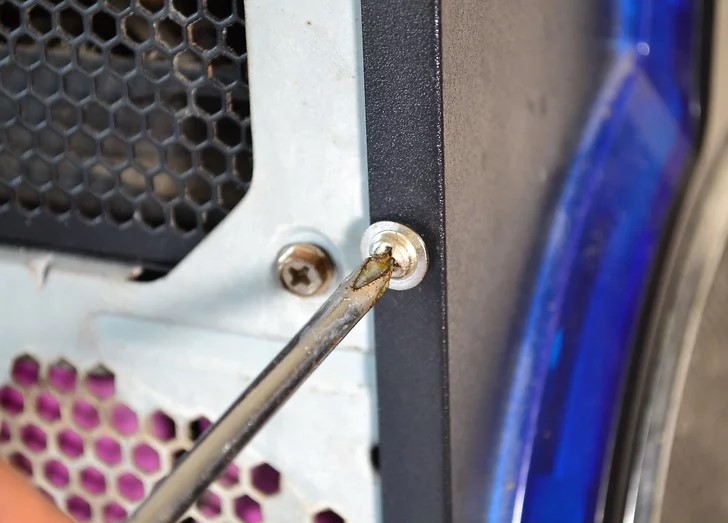 Remove the other side of the box as well.
Clean the computer internally. Be careful to avoid contact with components and cables as much as possible during the cleaning process. Always maintain a distance of 10 cm between the can of air and the components inside the computer case.
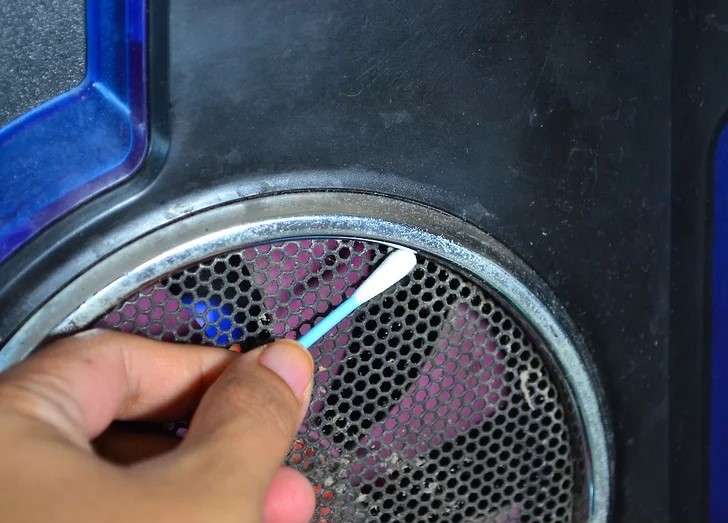 Clean the outside of your laptop. Use compressed air to clean any dust on your computer.
Clean keyboard . You can also use compressed air to blow between the keys.
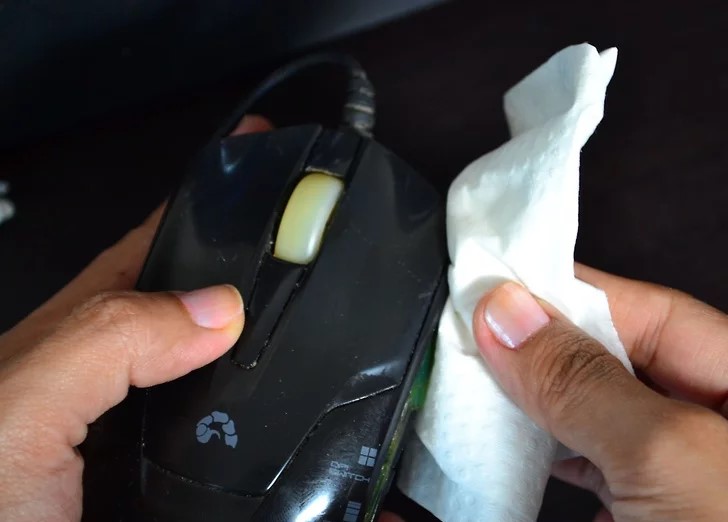 In a similar way, clean your mouse.
Wipe the screen using a microfiber cloth.
You are ready!
