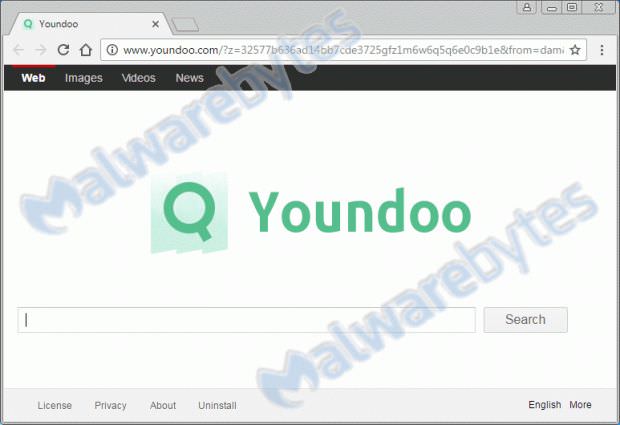
The creators of the infamous Youndoo adware have come up with a new trick that aims to ensure that their annoying browser hijacker will be harder to detect and then, will continue to appear again and again.
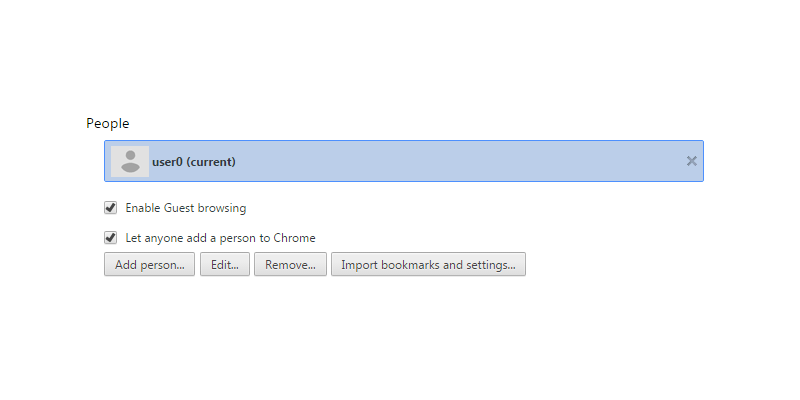
The latest versions of this adware are now able to hijack Chrome browsers, creating a hidden Chrome user profile.
Chrome user profiles are a set of specific browser settings associated with a Google account. Malwarebytes, which detected this version, says that the Youndoo adware creates a copy of the current user's profile and activates it instead of the original one.
The adware copies the user's browser history and settings, except for the user's homepage and default search engine. For the latter two, it uses the Youndoo search engine, from which the adware gets its name.
The purpose of hijacking the user's browser homepage URL and default search engine is to drive traffic to the Youndoo website, in order to generate revenue for its administrators.
This is not the first time that adware has used additional profiles to overshadow browsers. The adware families, called HohoSearch and GsearchFinder, hijack Firefox browsers using a hidden profile as well.
But fake profiles are just one of many tools at the disposal of these crooks. Other tricks used by browser-hijacking adware include altered browser, hidden services, and scheduled tasks.
Therefore, if users notice that their Chrome profile has been taken over by their browser and delete it, they will find it in its place a few hours or days later.
Malwarebytes' Pieter Arntz says this is due to a hidden Scheduled Task, which Youndoo created when it first infected the user. Infection usually occurs via bundled installers that deliver PUPs.
The good news is that, due to “the success and popularity” of Youndoo, most anti-malware and malware removal tools are able to uninstall this threat. Below you can see what a hijacked Chrome browser when the user’s computer is infected with Youndoo: