

It hasn't been long since Samsung made its latest smartphone, the Galaxy Note 7, and the company is already working to adapt the Galaxy Apps for their new “flagship”. Therefore, the Good Lock app now arrives with iris scanner support for the Note 7.
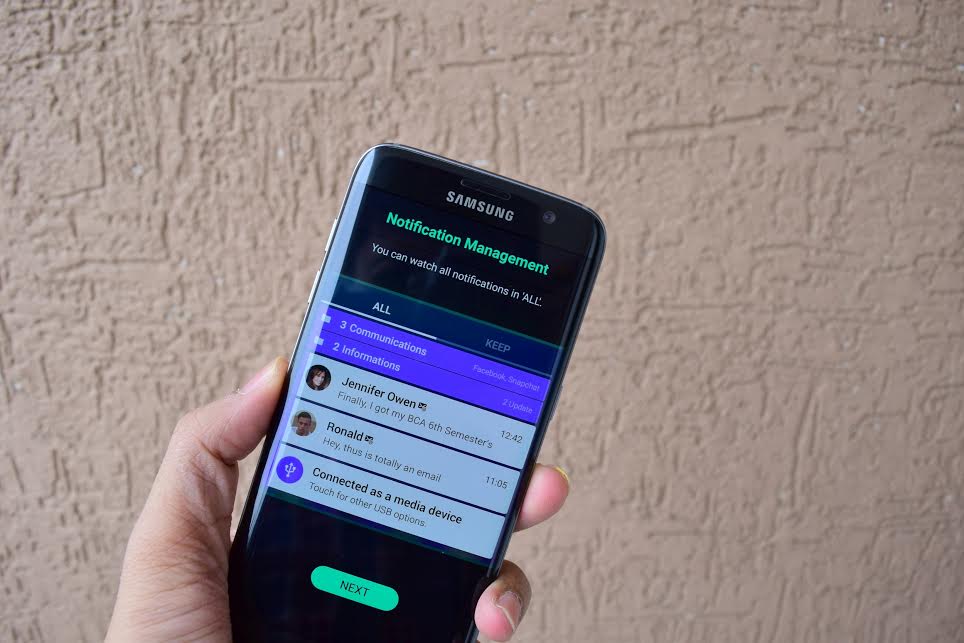
Samsung has already updated its Good Lock app to version 24.0.12 and the new version is already available in the Galaxy Apps Store. The update makes Good Lock compatible with the Galaxy Note 7 and its iris scanner. The updated version allows users to unlock their phones using the iris scanner. Apart from that, Samsung has also added a bunch of new features to Good Lock, such as the ability to create backups, the ability to use animations to unlock your phone, or to display the icons in the status bar of notifications in a category icon. It also supports the option to remove or keep Apps when you try to remove all options from the Recent Apps section. The new version of Good Lock can be installed by accessing the Galaxy Apps Store, simply finding the application and then pressing the update button.
Good Lock from Samsung allows users to customize the lock screen of their Galaxy smartphones, as well as manage notifications and content displayed on the lock screen. Users can add and edit widgets on the screen or organize their notifications in an intuitive way.
