

Judging by the comments of some visitors, it is not at all unlikely that you want to return to the previous version of Windows you had on your system before you were tempted to upgrade to Windows 10. Microsoft is making the process easier for those who realize that things were better before, in less than a month.
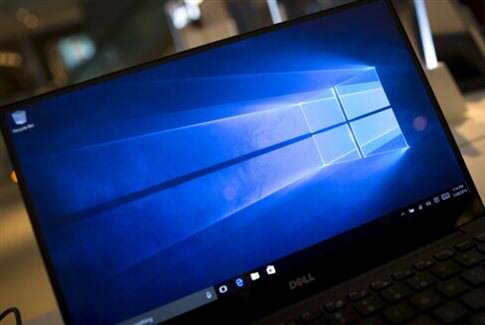
Windows 10 will remain free until the end of July 2016 - its first year of release, so you can try upgrading again later.
During the first month of use, it is also possible to revert to the previously installed version (a possibility that, otherwise, simply takes up disk space, and in fact, enough that it can exceed 22GB).
Go to Settings and search for Update & Security to reach the Recovery section. There you will see the option Go Back to Windows 7 or Go Back to Windows 8.1, which will give you step-by-step instructions for returning to the previous version.
After the first month of installation, this option will not be available - although you can do the so-called downgrade from the disc you must have or by downloading the relevant ISO from the MS website. In any case, it is recommended to keep backup copies of your files.
Download the Windows 10 installation files in ISO format (for burning to a DVD or USB drive).
If you want to clean up your disk after upgrading to Windows 10, run Disk Cleanup and among the relevant options add Temporary Windows installation files and Previous Windows installations. Note that the process excludes the $Windows.~WS folder, which you can also delete without expecting problems in the future, although Microsoft recommends keeping it so you can restore in case of problems.
Source: www.tech.in.gr
