

In case you didn't know, newer iPhones have the ability to shoot HDR video. However, since HDR videos take up more space and most people don't have compatible displays to enjoy the picture they can offer, HDR is turned off by default. If you're interested in this feature, however, you can follow the steps below.
See also: TikTok will automatically add subtitles to videos
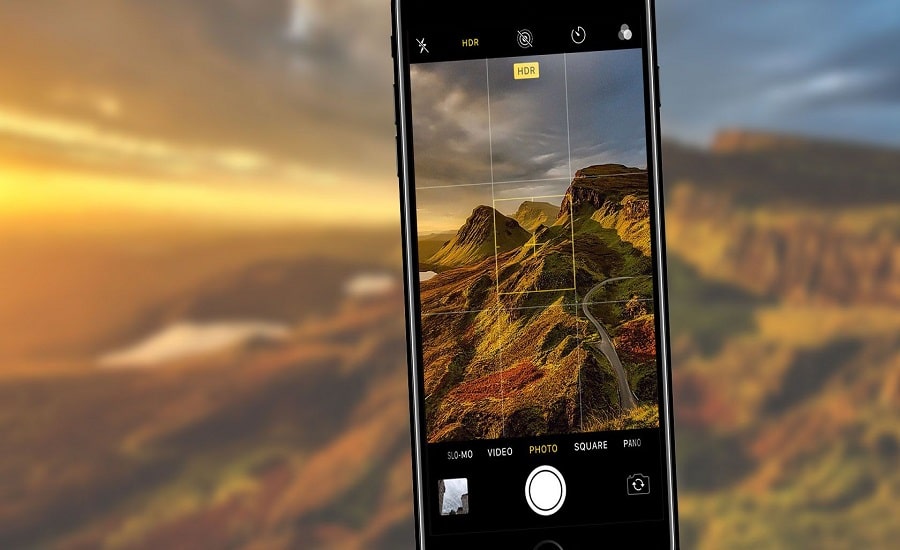
HDR stands for High Dynamic Range. It's a high-tech feature that allows for better color reproduction in any given scene. When HDR is enabled, your iPhone can capture a wider range of colors and more accurately balance the contrast of the darkest and brightest areas of the frame. Additionally, iPhone's HDR feature supports Dolby Vision, which helps the destination display make the most of all the extra visual data.
See also: Pentagon confirms authenticity of UFO video
To enable HDR video on your iPhone, first open the “Settings” app and then scroll down to the Camera.
Then, select “Record video“.
Finally, switch to “HDR Video (High Efficiency)”.
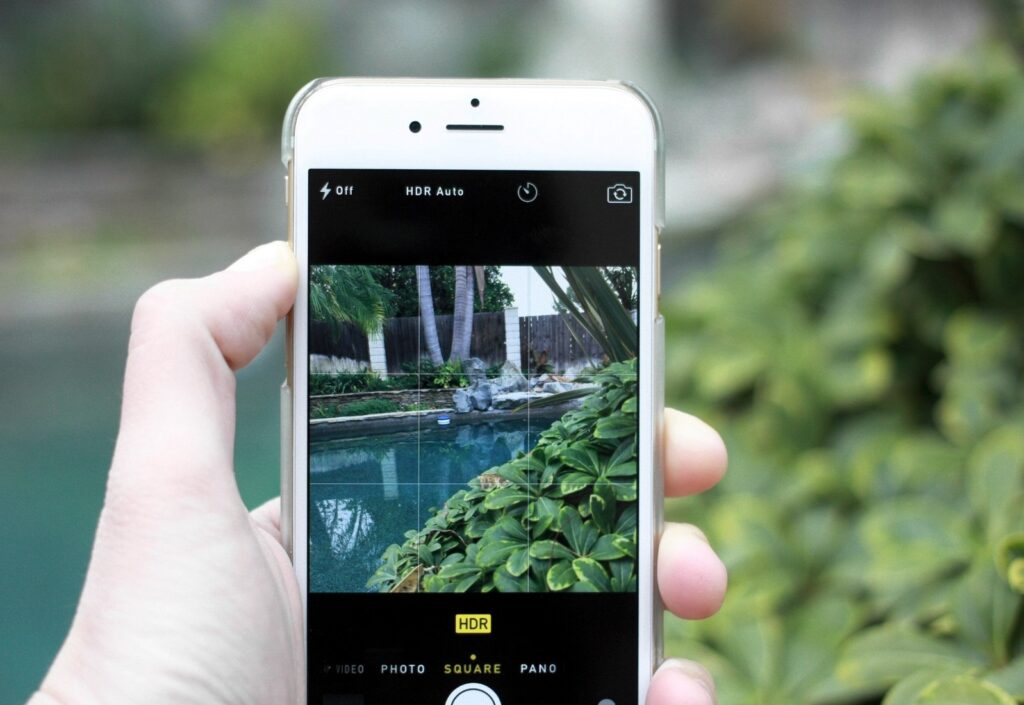
Before you turn on HDR, keep in mind that the videos you take will be recorded in “High Performance” mode. This means they’ll be saved to your phone in the HEVC format instead of the more widely compatible MP4 file type. However, your iPhone can automatically convert HEVC videos to MP4, so you don’t have to worry about having to do it yourself before sharing an HDR video.
See also: How to unblock YouTube so you can watch all videos?
When it comes to playback, most recent phones and computers, including iPhones (iPhone X and up) and MacBooks (2018 or later), can play HDR video without any issues. On non-compatible displays, HDR video will play in the normal, lower-quality standard.
