


Although Google Drive started as an online collaboration tool for word processing , it has evolved into an online file storage and synchronization service , and has applications for Windows and mobile operating systems.
Below we present 6 Chrome extensions that will take your Google Drive capabilities to the next level , as presented by Mashable .

If you want to keep your Drive files away from prying eyes, you should install Fogpad, an extension that provides the necessary security.
2. Save to Google Drive

This is a very useful extension that gives the user the ability to save anything they find interesting while browsing to Drive with one click, from images to links, so that they can become bookmarks.
3. Save Text to Google Drive
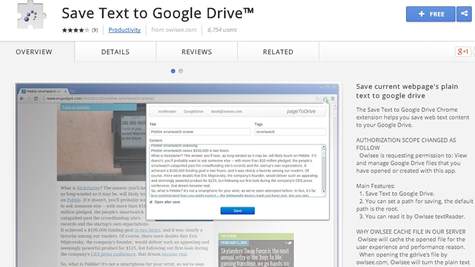
Like the previous extension, this one is more specific and allows the user to select a portion of the text of the website they have visited and save it as a document in Google Drive.
4. Shortcuts for Google
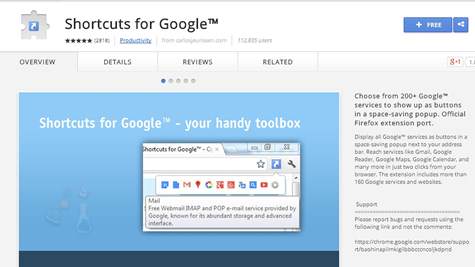
Shortcuts for Google is a useful extension for all Google services, as it offers a shortcut for each service such as Gmail, Google Drive, Maps, Calendar, and is also available for Firefox.
5. Pixlr Editor

Pixlr Editor is an extension based on the online photo editor Pixlr, allowing the user to edit their photos through a multitude of tools and filters.
6. Black Menu
Black Menu is a very useful extension for Google Chrome, in addition to the convenience it offers in Google Drive. It is a pop-up menu inside the browser that gives the user many additional features, really changing browsing, with the greatest convenience, searching in Google services without the user having to open a new tab.
Source: e-pcmag.gr
