

Would you like to spend less time on your phone and don't know how? Keep reading to find out how you can use your phone less this year!
From the moment you wake up in the morning, to the moment you sit down in class or a meeting, even when you connect with friends and family – if you can’t help but reach for your phone every time it vibrates or rings with a notification – it might be time to consider whether this reliance on technology is having a positive impact on your life.
With a few easy steps, you can spend less time on your phone. Both Google and Apple are committed to helping users achieve this goal by providing the necessary tools that make it simple. You can now live without relying so much on notifications from your device!
If you want to cultivate a healthier relationship with your smartphone in 2023 and spend less time on your phone, iOS Screen Time and Android Digital Wellbeing can help. Here's how they work!

What is iOS Screen Time and Android Digital Wellbeing?
While Apple and Google to promoting healthy phone use differ, both aim to help you build better habits with the way your device works. Using their respective toolkits, which reduce smartphone distractions and help increase productivity, users can be encouraged by a more positive experience and spend less time on their phones.
Android users can get the Digital Wellbeing app from the Play Store , giving them access to a collection of features, including Bedtime mode and a wealth of data about their phone usage. This will help you identify your phone usage habits and provide ways to change that behavior to spend less time on your phone.
See also: Samsung Maintenance Mode: Protects your data when the phone is for service
Instead, Apple has integrated the Screen Time into the native Settings for iPhones. This feature gives you access to Focus Modes (which are different from Google) and other features of a full-fledged operating system. It allows you to track the average time you spend on gadget , while also providing you with information about which apps were used most often or sent the most notifications within a certain period.
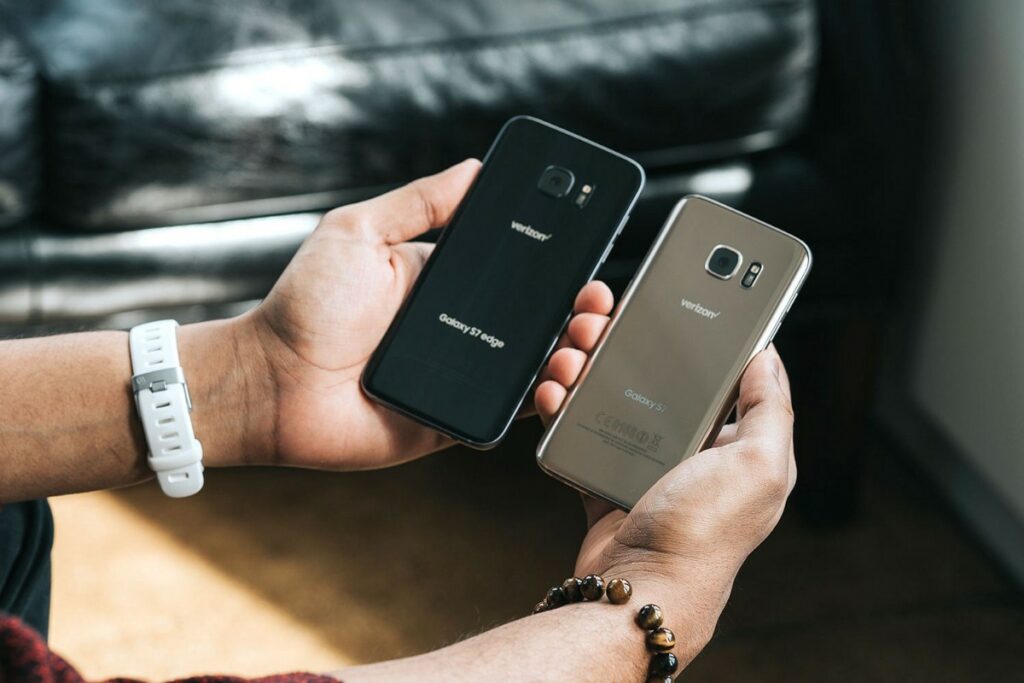
How to use iOS's Screen Time and Android's Digital Wellbeing
Starting new habits on your mobile phone can be a slow process, so be prepared to spend some time getting familiar with the features available for both iOS and Android .Both are simple and offer a wealth of data, but you need to decipher this information and make it work in your life. That way, you’ll regain control of the time technology takes up each day!
Despite their different methods, the basic idea remains the same. Both options can show when you're forming habits, like how many times you open a particular app.
For Android devices , go to Settings > Digital Wellbeing & parental controls . You can also enable a shortcut to appear in your apps drawer and home screen from the same page. For iOS devices , go to Settings > Screen Time .
As you review the data, notice how often notifications from apps that pop up regularly appear. You may be able to reduce the time you spend on your phone by simply deleting notifications from a particularly annoying app or adjusting the frequency of notifications so they are less intrusive and visible.
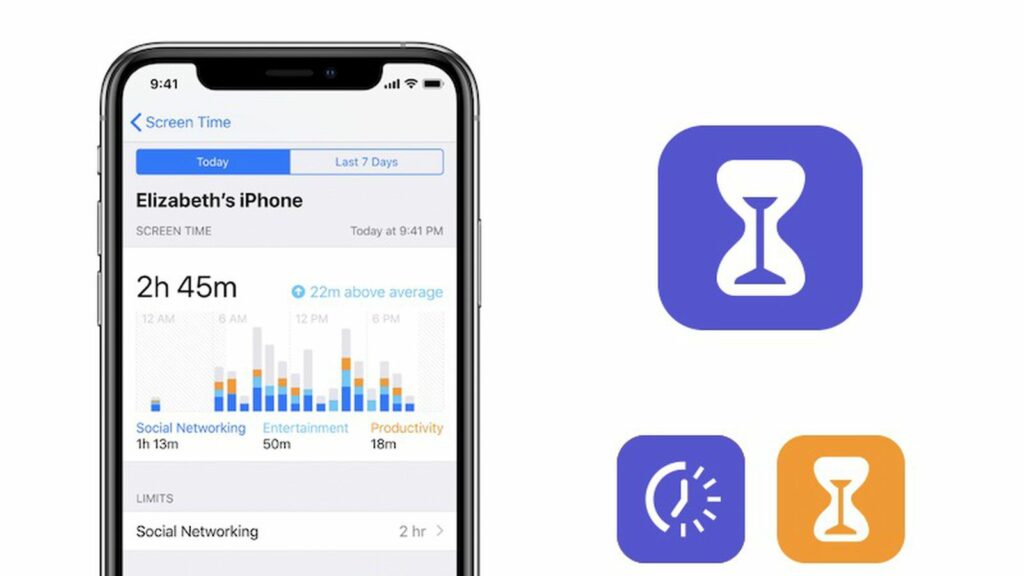
Whether it’s for you or your kids, both of these options can help you limit app access on any device and spend less time on your phone. If you want to limit social media activity, set a timer or ban its use during certain times of the day. This is beneficial if you’re trying to prevent young children from playing games too late at night – just set the boundaries and relax knowing they won’t be able to stay up past bedtime!
How to build a healthy relationship with your smartphone?
A great way to ensure a restful night's sleep is to make sure your phone doesn't wake you up during the night. Luckily, both Android and iOS have features like Bedtime Mode and Sleep Focus respectively - these make it easy to dim screens, monochromatic colors on the screen, and silence notifications so that any disruptions are minimal!
On compatible Android phones , you can flip your device over to activate Do Not Disturb . While Apple devices haven't quite mastered this trick yet, it's possible for iPhone and other Apple device owners to map a touch to the back of their phone to get the same effect. To further reduce temptation during sleep, try charging your phone away from your bed so you're not tempted to scroll through social media late at night.
Apple has continued to improve Focus features over the past few years, offering a variety of presets that can be customized, as well as creating new ones. Whether you want to create a “Personal” list of apps for your free time, or create a more minimalist “Work” Focus with its own apps or custom home screen to minimize distractions and reduce the time you spend on your phone—it’s all possible!
See also: The function that eats up all the battery from your mobile phone!
Combining Google 's Focus mode with the Work profile feature will allow you to create a similar effect, providing improved productivity and focus.
If you're not ready to commit to spending less time on your phone, why not start by removing apps from your phone? You can always reinstall them later if you need to, but you might be shocked at how often we unconsciously check our accounts. Unclogging these distractions could be an easy way to reduce temptation and free up more time in your day.
To maximize your time with family and friends, create designated “phone-free hours” where you put your device on silent or in another room. This allows you to be fully present during these moments and enjoy them.
Despite its many benefits, spending too much time on our phones can easily become counterproductive and even harmful if we let it get out of hand. Fortunately, there are several strategies we can use to reduce our screen time without sacrificing productivity or connection with others. By setting limits for ourselves and turning off notifications from distracting apps, as well as making an effort to put our phones down when possible, we can start spending less time on our phones in 2023 without missing out on anything important!
Source: techradar.com
