

Typing indicators let you see when someone you're communicating with is typing a text message to you. However, if you're really bored, you can just sit there and watch the indicator bounce around on your screen. However, you can turn off typing indicators in Signal if you want.

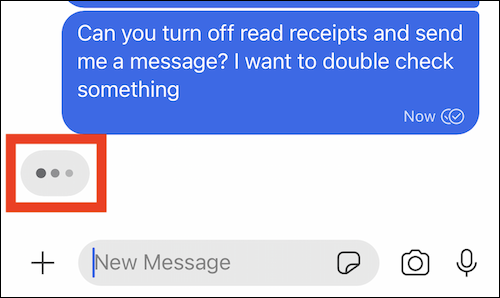
The typing indicator in the Signal app, as shown below, consists of three moving dots inside a bubble. When someone you're chatting with is typing, the bubble will be present.
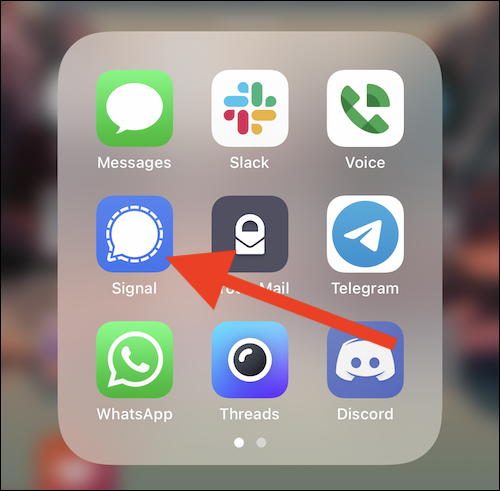
Start by opening the “Signal” app on your iPhone or Android smartphone.
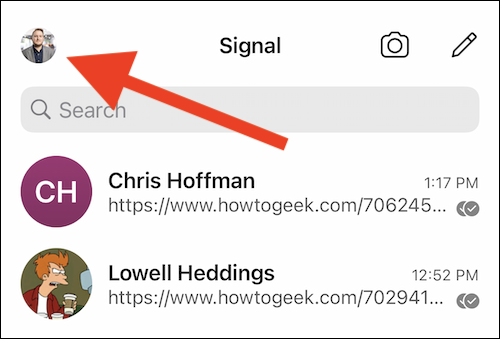
Then, tap your avatar in the top left corner. If you haven't uploaded a custom profile picture, it may appear as the initials of username .
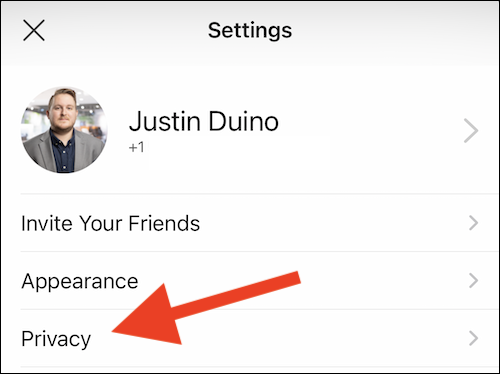
Select the "Privacy" option from the list in the "Settings" menu.
Finally, disable the “Typing Indicators” option.
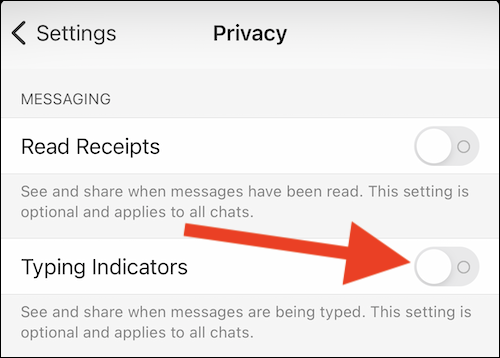
If you want to turn the feature back on, tap the toggle button to turn on typing hints.
As mentioned above, turning off typing indicators will disable the feature for both you and the person you're communicating. If the person you're communicating with keeps the setting on, they'll see typing indicators in other conversations, but not in yours.
Information source: howtogeek.com
