

If you upgrade to macOS Golden Gate and have an AirPort Time Capsule, Time Machine will no longer be able to back up to it. macOS 27 removes support for AFP, the older file sharing protocol that Time Capsule relies on for Time Machine backups. Backups now use the SMB protocol exclusively, which Time Capsule, which has been discontinued by Apple, does not support in the format required by macOS 27.
See also: TV Time closes on July 15
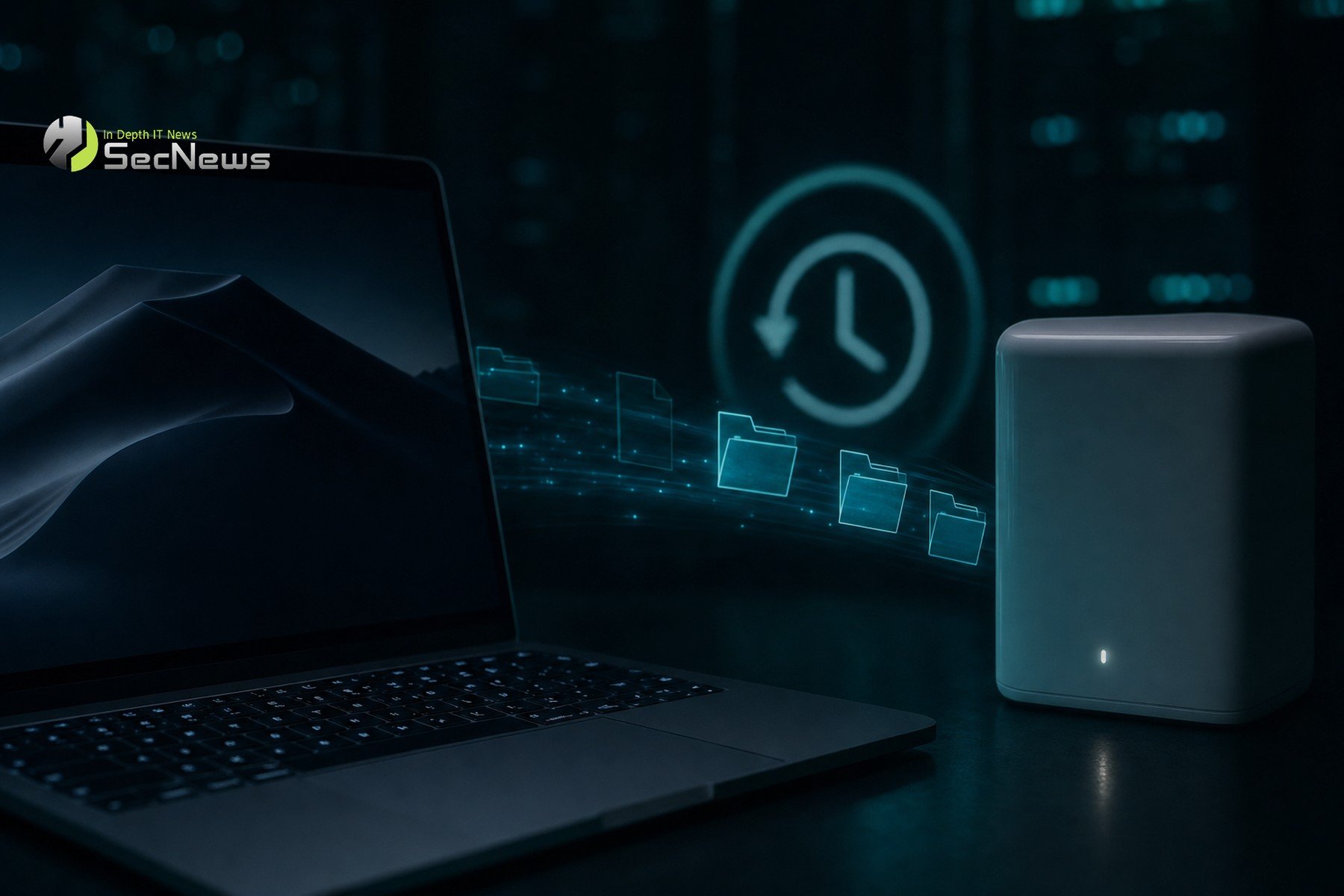
Apple's decision to remove support for AFP is not unexpected, as the protocol is now considered outdated in relation to modern security and performance requirements. AFP (Apple Filing Protocol) was the primary file sharing protocol for Apple devices for decades, but over time, the need for more secure and efficient protocols led to the adoption of SMB (Server Message Block). SMB is a protocol widely used across platforms, offering better compatibility and increased security.
Apple had been warning users about this change since June 2025, when macOS Tahoe began displaying a warning that Time Capsule backups would no longer work in the next version of macOS. This warning gave users time to prepare for the change and look for alternatives. However, many users may not have made the transition yet, making the need for action urgent.
This change is expected to impact many users who relied on the AirPort Time Capsule for their data security. The Time Capsule was a popular choice for Apple users, as it offered an easy and integrated backup solution. Its simplicity of setup and seamless integration with the Apple ecosystem made it ideal for users who didn’t want to deal with complex setup.
However, with the evolution of technologies and the need for more modern and secure protocols, Apple decided to make this change. The transition from AFP to SMB is part of this strategy, as SMB offers better performance and security. The SMB protocol is more resistant to attacks and provides better access rights management, which is critical for data protection.
See also: Valve now allows installing Windows 11 on Steam Machine
For users looking for alternatives, there are several options on the market. An external hard drive can be connected directly to the computer and used with Time Machine for backups. This method is simple and cost-effective, but it limits access to the data only when the drive is connected to the computer.
Alternatively, a modern NAS (Network Attached Storage) can offer more features, such as remote access and larger storage capacity. NAS systems allow for the storage of large amounts of data and access to them from any device connected to the network, making them ideal for users who need flexibility and remote access.
It is important for users to ensure that their data is safe and accessible. Switching to a new backup solution may take some time and preparation, but it is essential to protecting their files and data. Users should evaluate their needs and choose the solution that best suits their requirements.
Apple continues to drive adoption of new technologies and protocols that offer better performance and security. The move from AFP to SMB is part of that strategy, as SMB is a more modern and widely supported protocol that offers better compatibility and security.
See also: Steam Machine: The RAM crisis that sent the price soaring to $1,049

Users affected by this change should consider their options and move to a new backup solution as soon as possible to ensure their data remains safe and accessible. Timely adaptation to new technologies and protocols is critical to protecting data in an ever-evolving technological world.
