

If you're online, you're at risk from all sorts of attacks and malicious users. Below are 10 different security tips (and a freebie) adapted to the new types of attacks circulating on the Internet.
Social Engineering
Let's start with perhaps the biggest internet security concern:
Social Engineering. The term describes a variety of attacks (digital or otherwise) that help hackers gain access to your data through phishing, impersonation of companies and people, phone calls requesting information, and other common tactics.
You should be very suspicious of any links, emails, phone calls, and other communications, but we also know that most data breaches come from inside sources. You might be surprised at how easily even security experts can be fooled.
Use a secure phone lock code
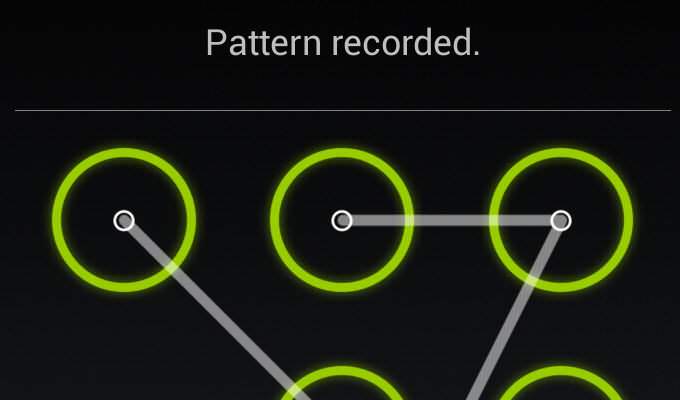
The 4-digit PIN you use on iOS is not secure. From Settings you can add another digit and your device will be much more secure. The same goes for Android: Longer password equals better security. There are screen lock tools for Android that will enhance the security of your phone. If you insist on a 4-digit PIN, at least don't use 0000.
Automatically BackUp on your computer
If you don't regularly back up your computer (double is always better), the data that's important to you is not safe. It doesn't take much effort, so there's no excuse not to back up your files.
Install an Antivirus and an Anti-Malware

Viruses and malware are always a threat. We recommend using an antivirus tool. Don't be fooled: Expensive anti-virus does not mean absolutely good anti-virus. Prefer a free solution and read:
Paid Antivirus: Are You Wasting Your Money?
Lock Your Wireless Router

Your router is the first line of defense on your home network. Change the router's administrator login, use WPA2 (AES), and change other basic settings. There are also some other Wi-Fi router security settings that you may need to change right away.
How to check if someone is using your Wi-Fi
Stop sending sensitive information via email if it is not encrypted

Sensitive information, such as bank details, social security numbers, tax returns, or confidential business information, should never be sent via email without encryption. Encrypt your files with a tool (say PGP) before sending them, or use a service like the simple ProtonMail. Encrypt everything.
Don't use public Wi-Fi without a VPN

Yes, you should really be concerned about your security when using public Wi-Fi. The best defense is to use a VPN, a virtual private network.
Use a local Password Manager
Use unique passwords for each site. This means hundreds of passwords that are impossible to remember. Password managers are designed for this purpose. They will remember each password and will reset it when you need it. The tip when using a Password Manager is to prefer an offline or local one, which stores your passwords on your system, or even better on a disk that is not connected to the Internet (this is where backups are important). Keepass' offline Password Manager is free and very secure.
Use Two-Factor Authentication
Enable two-factor authentication where available. It will provide an extra layer of security and protect you in case your password is stolen. Don't worry, even if you lose your phone, you can still access your account.
Regularly review the permissions you give to applications.

If you follow all of the above, it will be a shame to click it because you forget to check which applications have permissions to your accounts. Never forget to update your router's firmware or check the permissions you have given to the applications you use on Facebook, Twitter, Google, etc. Use MyPermissions to see how you have configured the various services you use on the internet.
And a tip as a gift:

Use Linux.
There are many reasons, but we will mention only one: The thousands of malware circulating are made for the operating system with the greatest usability.
